Despertá
An alarm app with question challenges and habit tracking. Alarms and habit history are stored on the device, without an account.
Visit Despertá NativePHP Charts
Render line, bar, pie, and seven other chart types with Swift Charts on iOS and Jetpack Compose on Android. Configure data, styles, and selection callbacks in PHP.
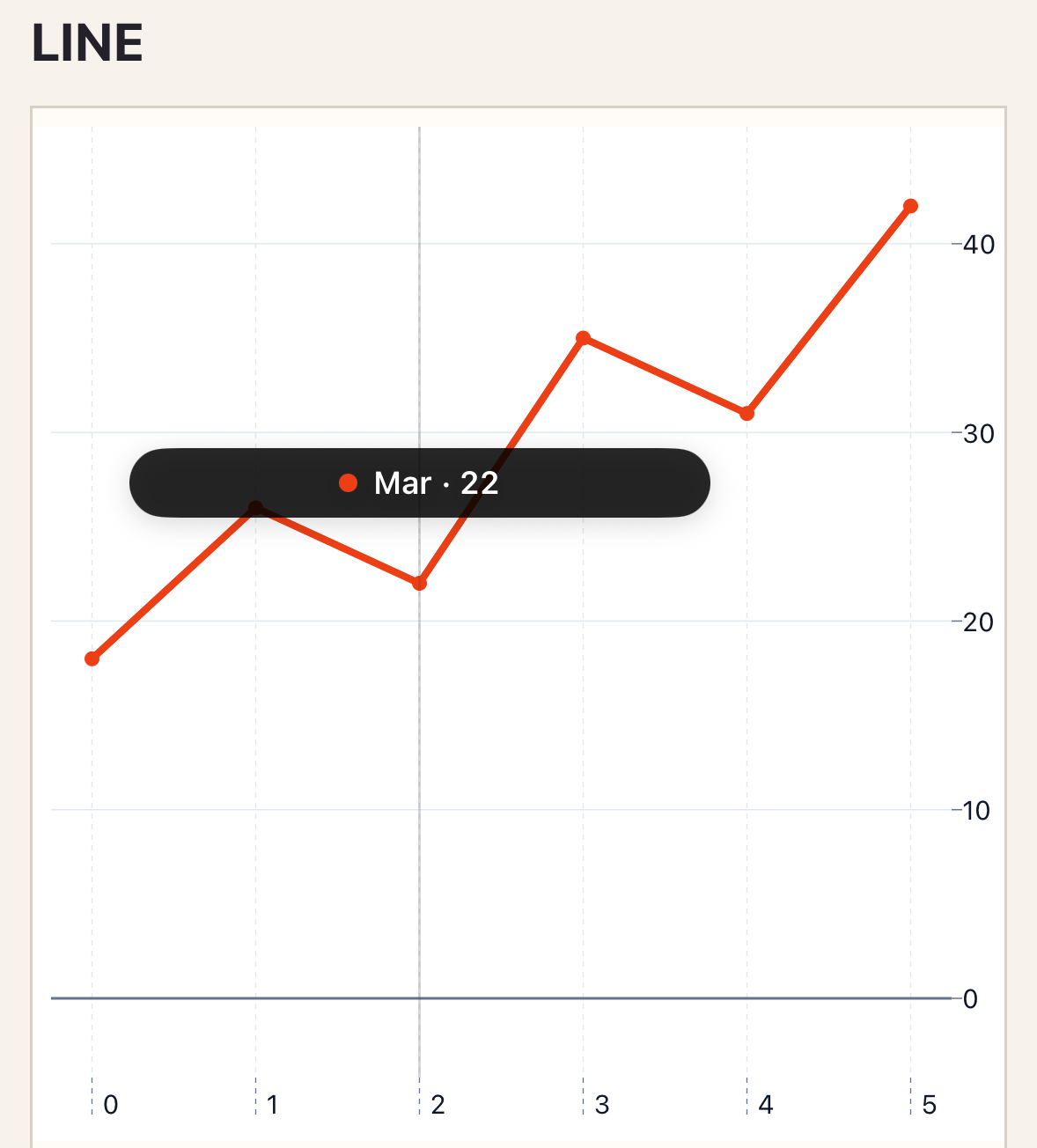
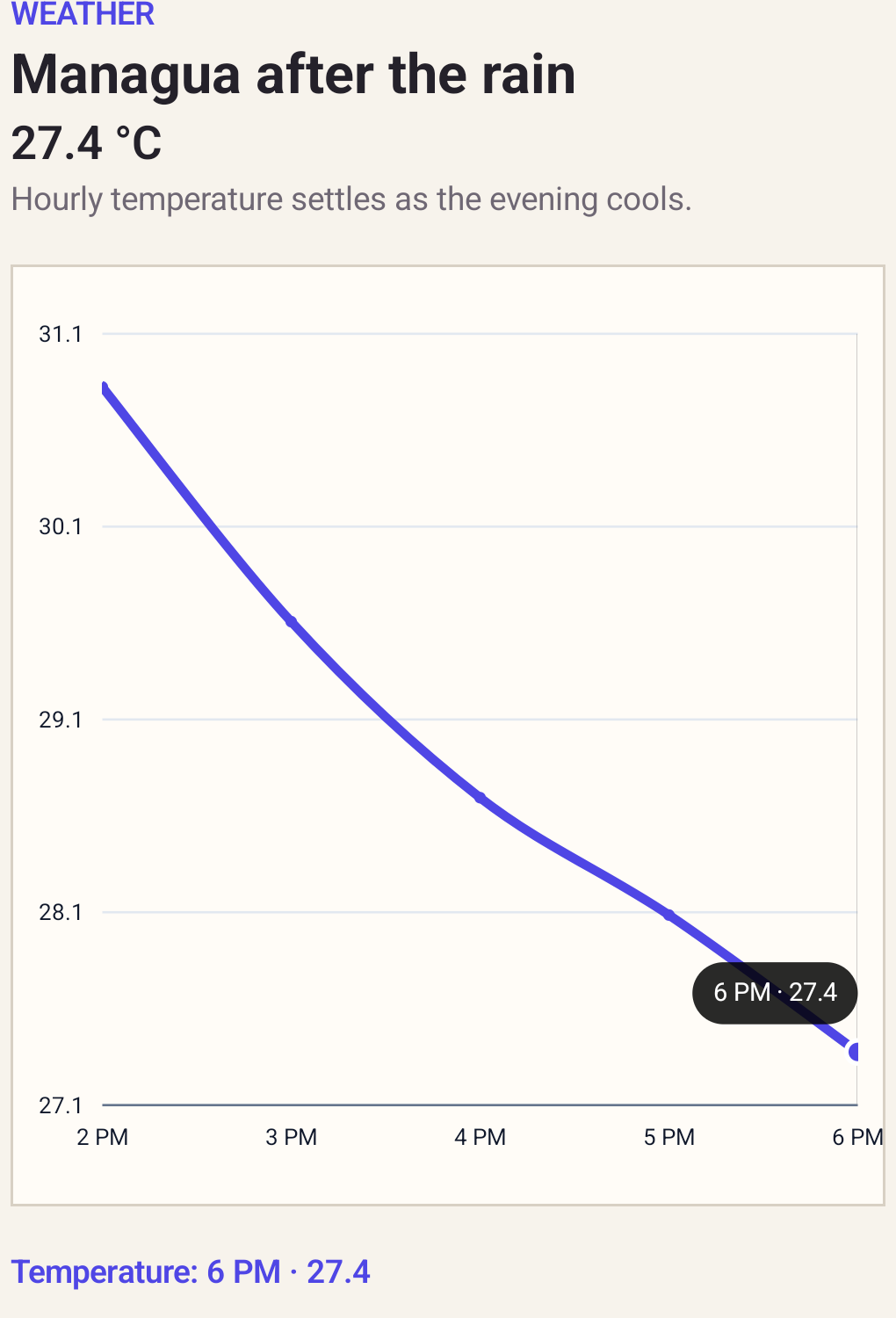
Start with a complete chart and its data. Then customize its appearance or handle point selections in PHP.
Create your first native screen<native:line-chart
class="w-full h-80"
:series="[
[
'id' => 'revenue',
'name' => 'Revenue',
'color' => '#ED3F16',
'points' => [
['id' => 'jan', 'label' => 'January', 'value' => 18],
['id' => 'feb', 'label' => 'February', 'value' => 26],
['id' => 'mar', 'label' => 'March', 'value' => 31],
],
],
]"
theme="system"
preset="default"
error-label="Revenue chart unavailable"
a11y-label="Revenue by month"
/>
Replace the Chart example’s theme and preset attributes, then add this style. Remove the series color to use the preset palette.
theme="system"
preset="contrast"
:style="[
    'line' => ['width' => 3],
    'points' => ['size' => 5],
]"In your native screen class, import Donmanueldev\NativephpCharts\PointSelection and add these members. Bind _select="selectPoint" on the chart.
public ?string $selectedPoint = null;

public function selectPoint(string $payload): void
{
    $selection = PointSelection::fromJson($payload);
    $this->selectedPoint = $selection->pointId;
}Each guide includes a data example, native previews, supported options, and selection behavior.
An alarm app with question challenges and habit tracking. Alarms and habit history are stored on the device, without an account.
Visit Despertá