
Radar chart
Radar requires at least three axes. Every series must supply one value for every axis in declared order.
When to use
Section titled “When to use”Choose radar for profile comparison across a stable set of dimensions, not for precise ranking.
Minimal example
Section titled “Minimal example”Add this element to a native Blade view after installing the package. The example includes its data; replace the values with your own.
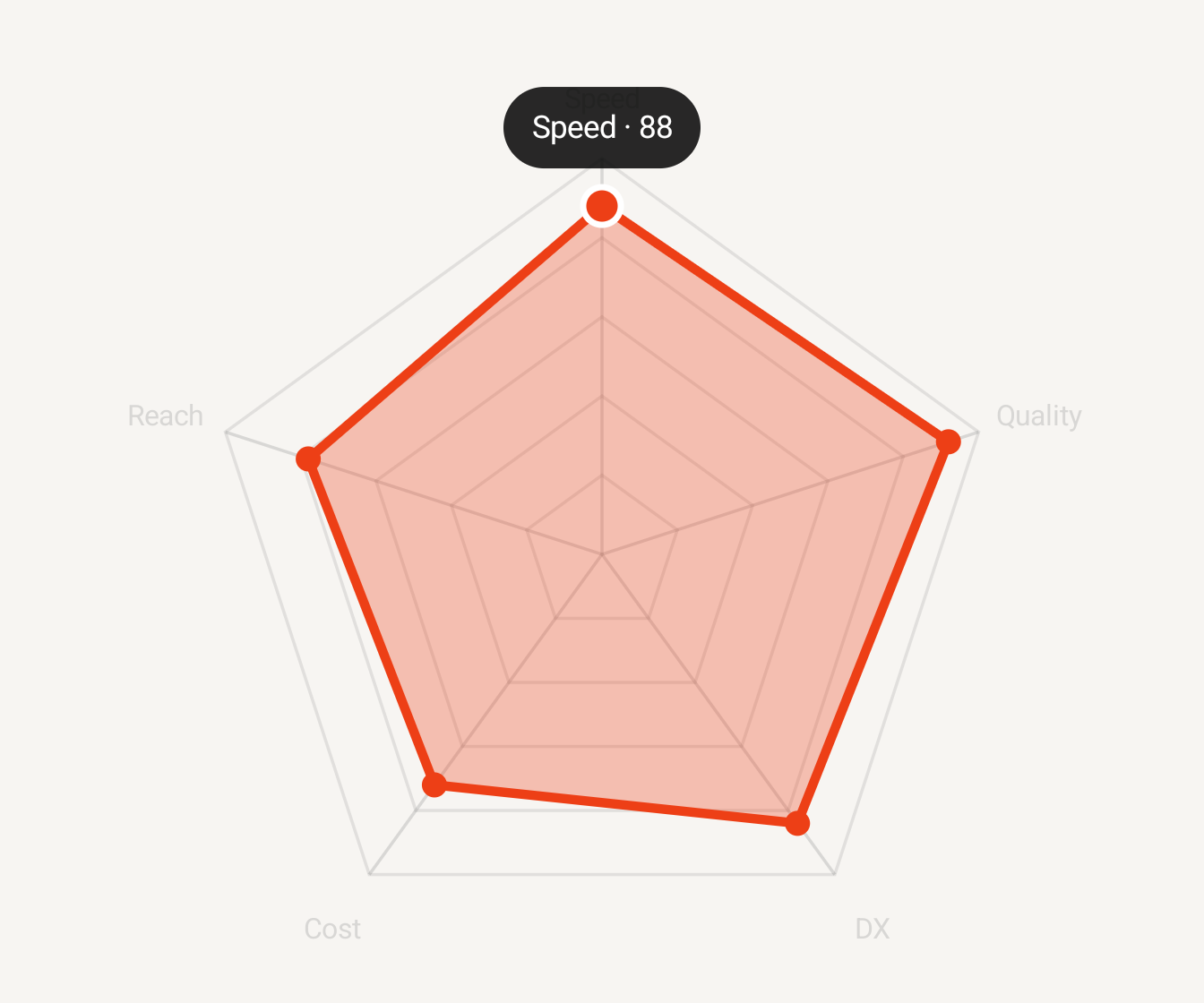
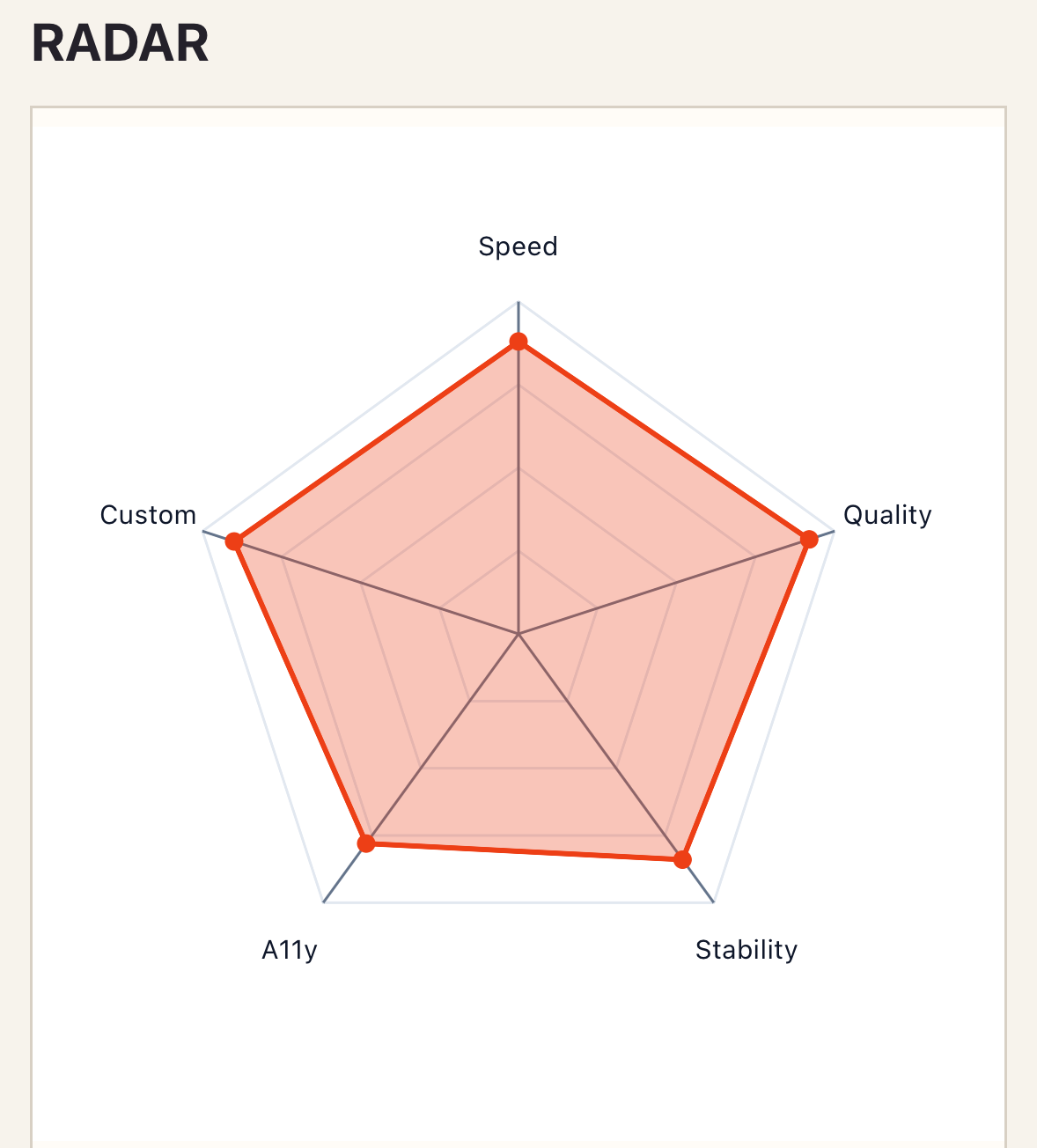
<native:radar-chart class="w-full h-80" :axes="[ ['id' => 'speed', 'label' => 'Speed', 'maximum' => 100], ['id' => 'quality', 'label' => 'Quality', 'maximum' => 10], ['id' => 'cost', 'label' => 'Cost', 'maximum' => 500], ]" :series="[ [ 'id' => 'nativephp', 'name' => 'NativePHP', 'color' => '#ED3F16', 'values' => [ ['axis' => 'speed', 'value' => 88], ['axis' => 'quality', 'value' => 9], ['axis' => 'cost', 'value' => 220], ], ], ]" :grid-levels="4" :fill-opacity="0.3" a11y-label="Platform capability profile"/>Native preview
Section titled “Native preview”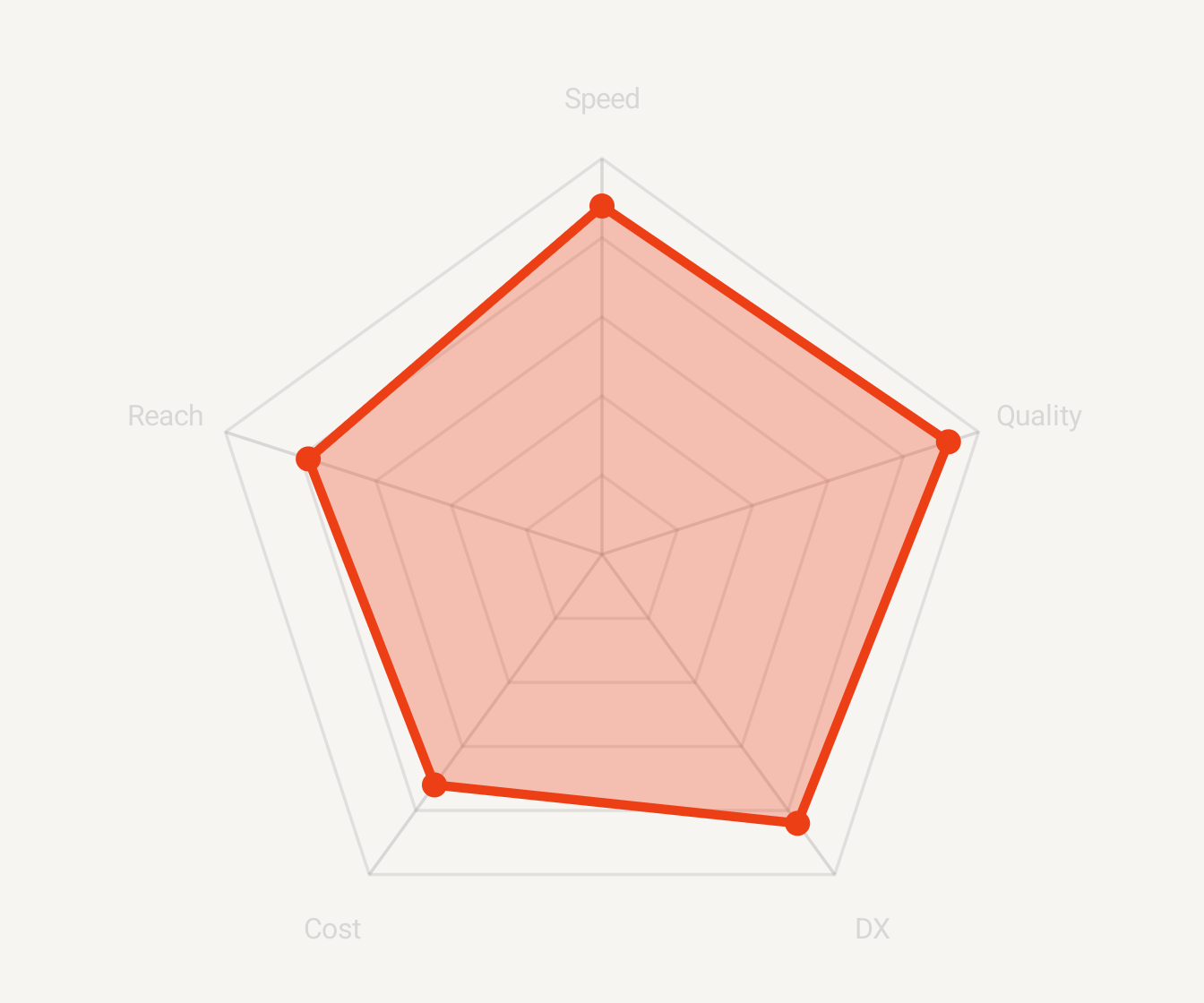
Variants
Section titled “Variants”Compare a small number of series against the same ordered axes. Keep axis order fixed between renders.
Customization
Section titled “Customization”Theme and preset colors apply before series overrides; configure grid levels, fill opacity, lines, points, and grid styles semantically.
See the style options reference for supported keys and ranges.
Interaction
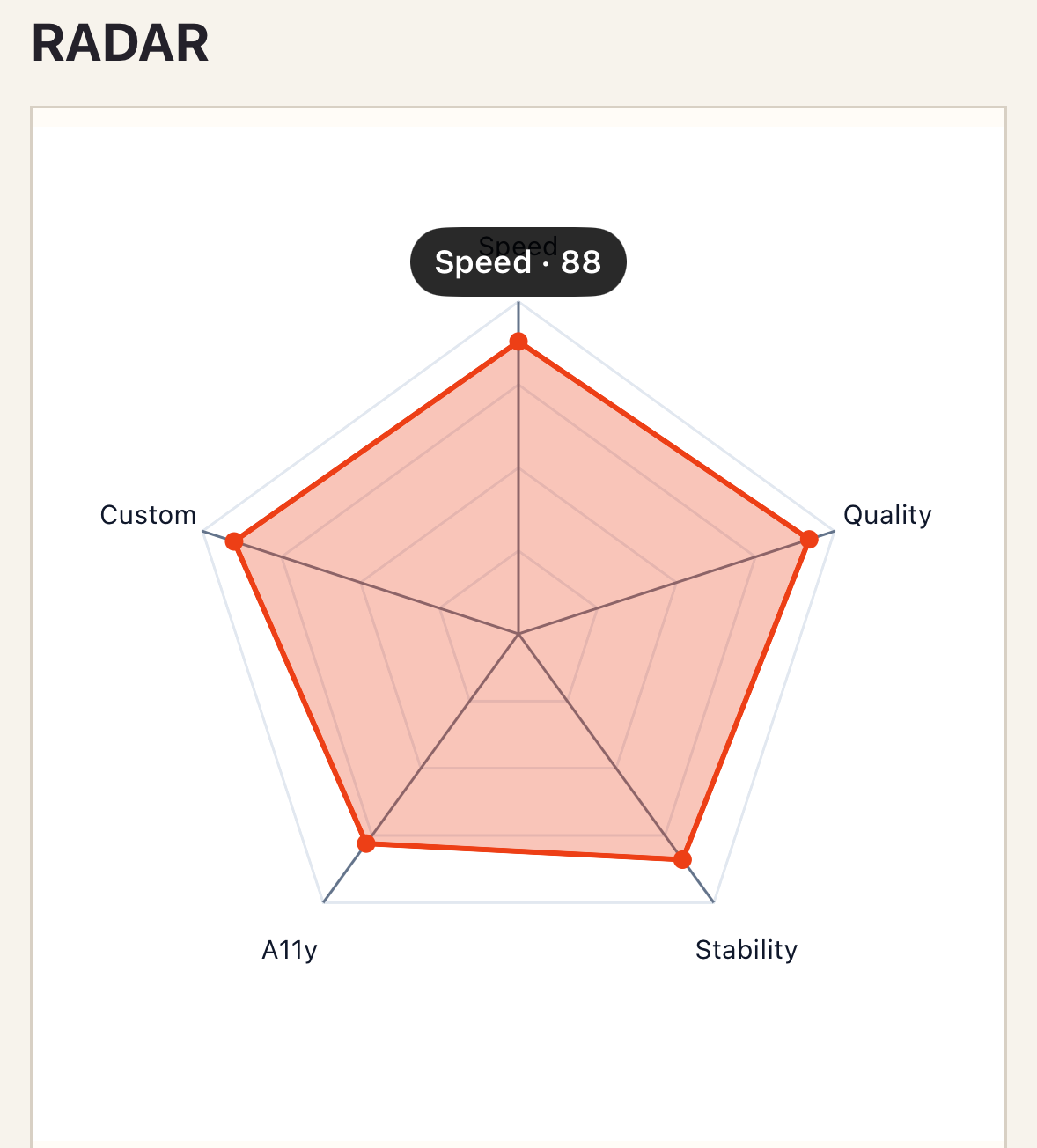
Section titled “Interaction”To handle selection, add _select="selectPoint" and define the method shown in Callbacks and interactions.
_select identifies the series and selected axis value with stable series and axis IDs.
Empty and error states
Section titled “Empty and error states”An empty series list with at least three valid axes renders the empty state. Fewer than three axes and incomplete, out-of-order, or out-of-range values are rejected atomically.
Accessibility
Section titled “Accessibility”Keep labels short, units explicit, and ordering consistent. Pair exact comparisons with a table.
Radar requires axes and series; specialized props are grid-levels and fill-opacity.
Troubleshooting
Section titled “Troubleshooting”If validation says values are out of order, match each series value list exactly to the declared axis order.