
Contribution heatmap
Use a contribution heatmap to reveal streaks, seasonality, and gaps. Do not use it when exact comparison between distant days is the main task.
When to use
Section titled “When to use”Choose a heatmap for daily intensity, streaks, gaps, and seasonal patterns across a bounded window.
Minimal example
Section titled “Minimal example”Add this element to a native Blade view after installing the package. The example includes its data; replace the values with your own.
<native:contribution-heatmap class="w-full h-80" :values="[ ['id' => '2026-09-15', 'date' => '2026-09-15', 'value' => 8, 'label' => 'Eight contributions'], ['id' => '2026-09-16', 'date' => '2026-09-16', 'value' => 12, 'label' => 'Twelve contributions'], ]" end-date="2026-09-16" :days="180" :week-starts-on="1" :colors="['#FFD0BE', '#FF8A5C', '#ED3F16', '#8F2108']" empty-color="#ECEAE7" :show-month-labels="true" :show-weekday-labels="true" a11y-label="Daily contributions for the last 180 days"/>Each value contains a stable id, ISO date, non-negative value, and optional label.
Native preview
Section titled “Native preview”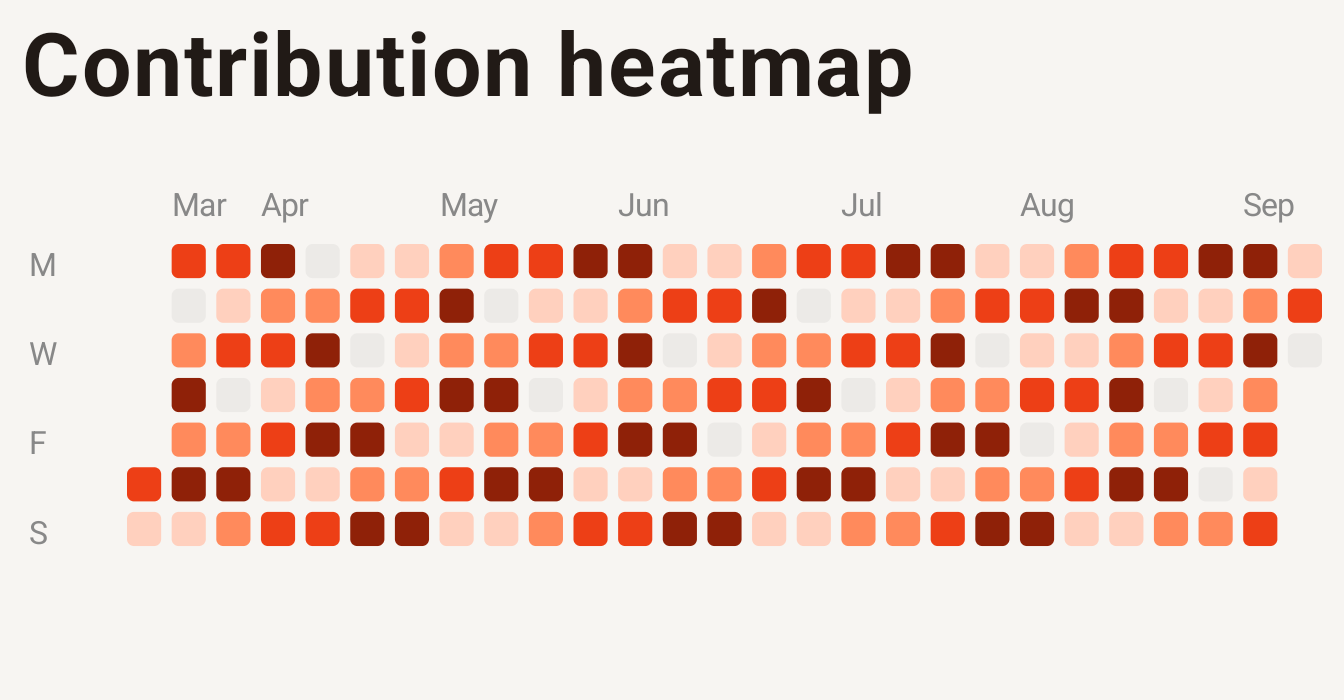
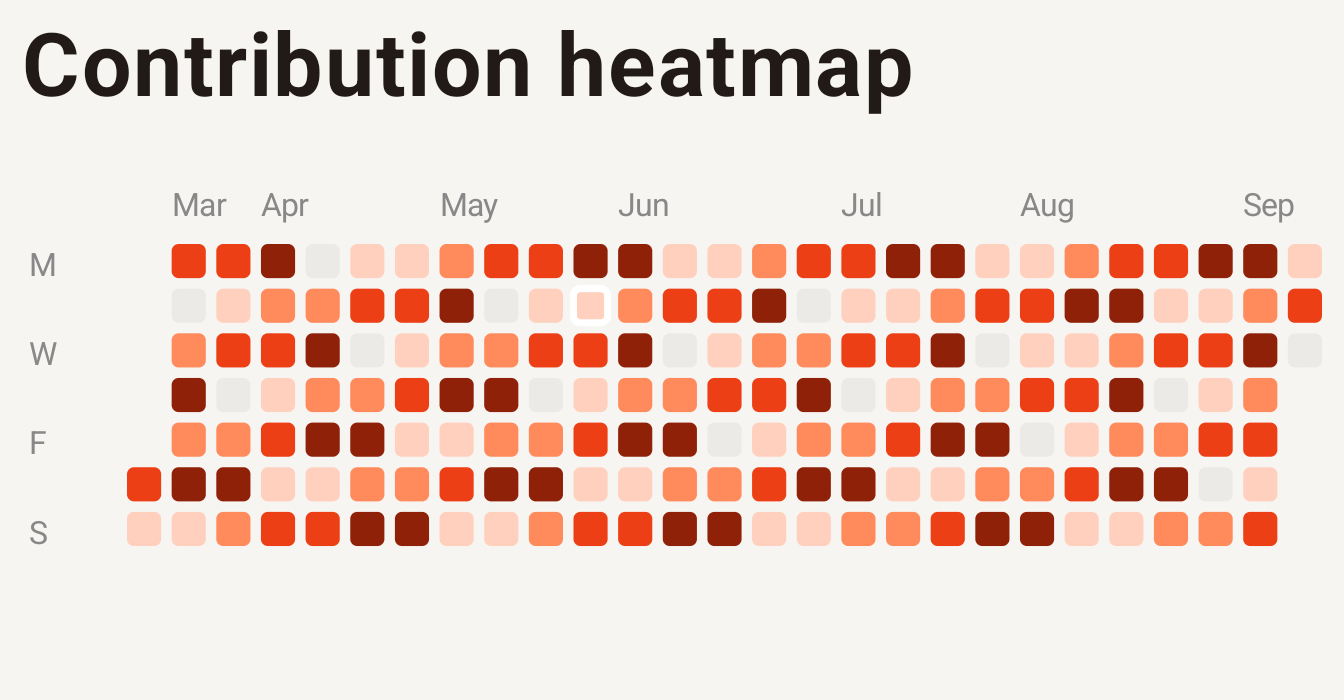
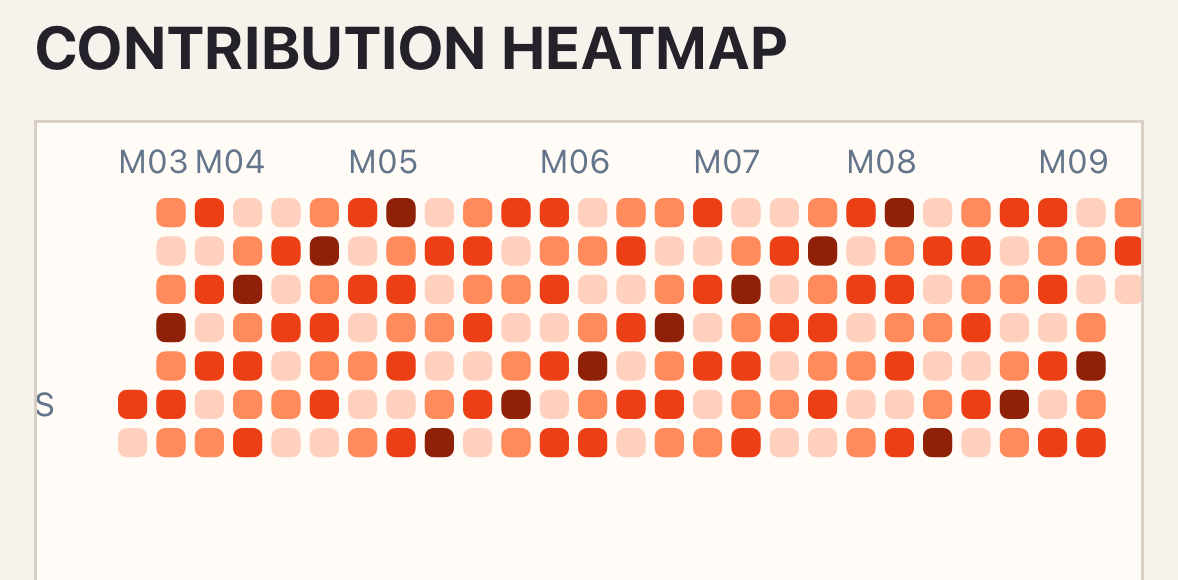
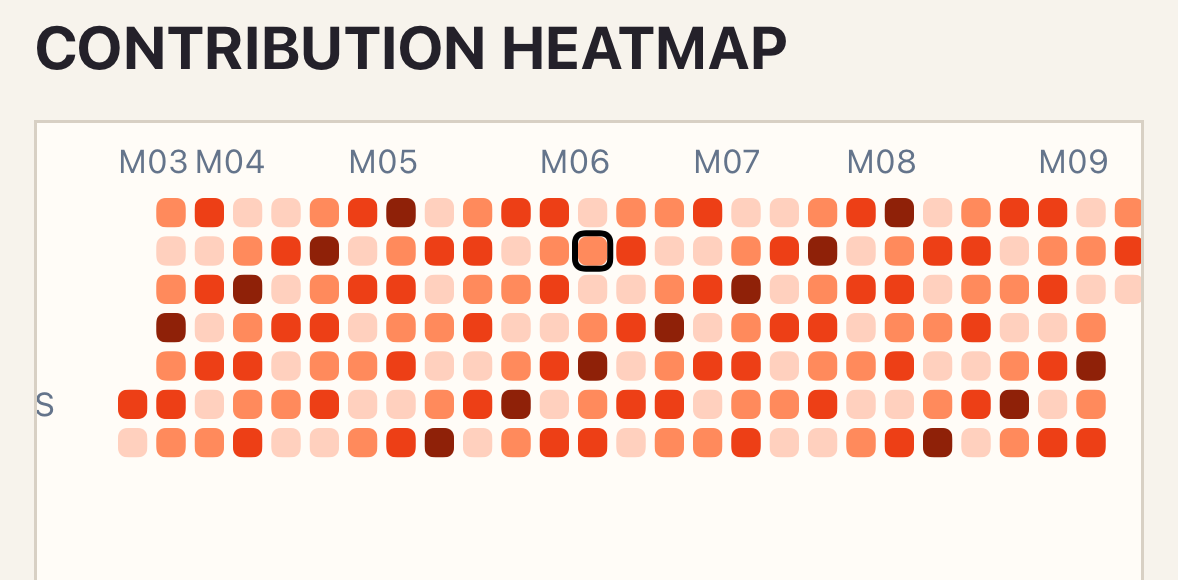
The native accessibility representation exposes each populated visible day as one selectable item. Duplicate dates, negative values, or invalid ISO dates reject the snapshot; valid dates outside the configured window remain outside the visible grid.
Variants
Section titled “Variants”Choose a 7–371 day window, Sunday or Monday week start, and independent month and weekday labels.
Customization
Section titled “Customization”Provide 2–9 scale colors, an empty color, theme, preset, and semantic cell size, gap, and radius.
See the style options reference for supported keys and ranges.
PHP recipe: activity window
Section titled “PHP recipe: activity window”Build the visible calendar from your query and use fixed dates while testing so the intended window is explicit.
use Donmanueldev\NativephpCharts\Elements\ContributionHeatmap;
public function activityHeatmap(): ContributionHeatmap{    return ContributionHeatmap::make()        ->values($this->activity->map(fn (Activity $day) => [            'id' => $day->date->toDateString(),            'date' => $day->date->toDateString(),            'label' => "{$day->count} completed",            'value' => $day->count,        ])->all())        ->endDate(now()->toDateString())        ->days(90)        ->weekStartsOn(1)        ->locale('es-NI')        ->maximumFractionDigits(0)        ->style(['cell' => ['size' => 14, 'gap' => 3, 'corner_radius' => 3]])        ->onSelect('selectPoint')        ->a11yLabel('Activity completed during the last 90 days');}
Values outside the 90-day window are not rendered. Keep the query bounded to the same dates when a missing day matters to the screen.
Interaction
Section titled “Interaction”To handle selection, add _select="selectPoint" and define the method shown in Callbacks and interactions.
_select returns the stable day ID, ISO date x value, raw count, localized value, and label.
Empty and error states
Section titled “Empty and error states”No visible values renders empty-label. Duplicate dates and negative values are rejected; out-of-window dates are ignored by the visible grid, and native failures render error-label.
Accessibility
Section titled “Accessibility”Every populated day is a native selectable item. Provide labels that include enough date and count context outside color intensity.
Required values contain id, ISO date, non-negative value, and optional label. Specialized props are end-date, days, week-starts-on, colors, empty-color, show-month-labels, and show-weekday-labels.
Troubleshooting
Section titled “Troubleshooting”If a day is missing, verify it falls within the inclusive window ending at end-date and uses YYYY-MM-DD.