
Candlestick chart
Use candlestick for ordered open, high, low, and close observations. The package validates every OHLC range.
When to use
Section titled “When to use”Choose candlestick for market sessions where the relationship between open, high, low, and close matters.
Minimal example
Section titled “Minimal example”Add this element to a native Blade view after installing the package. The example includes its data; replace the values with your own.
<native:candlestick-chart class="w-full h-80" :x-axis="['type' => 'date']" :series="[ [ 'id' => 'nio-usd', 'name' => 'NIO/USD', 'color' => '#2563EB', 'points' => [ [ 'id' => '2026-09-16', 'label' => '16 Sep', 'x' => '2026-09-16', 'open' => 36.72, 'high' => 36.91, 'low' => 36.68, 'close' => 36.84, ], ], ], ]" a11y-label="Daily NIO to USD price range"/>Each series contains a stable id, a name, and points with id, label, typed x, open, high, low, and close.
Native preview
Section titled “Native preview”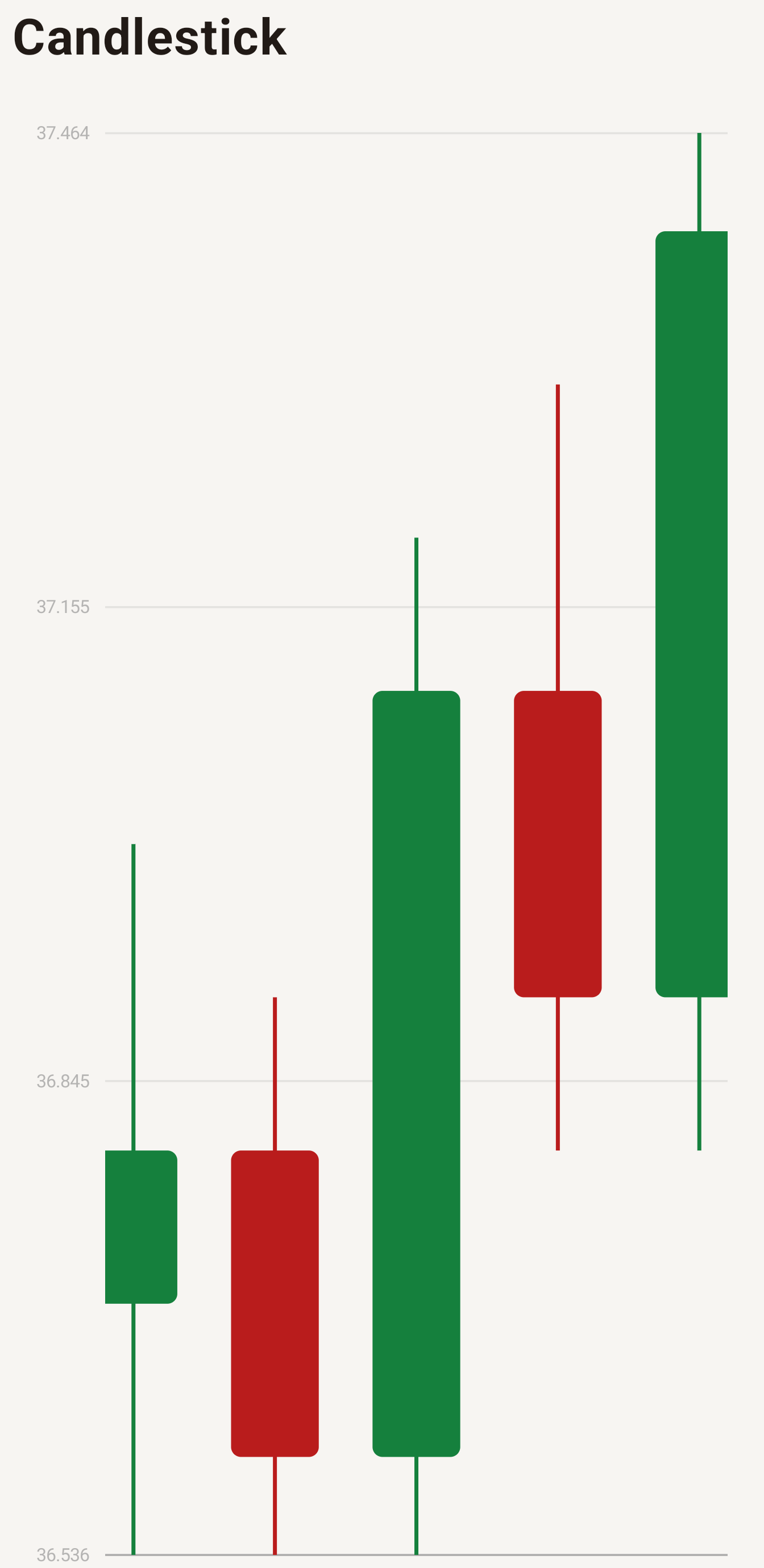
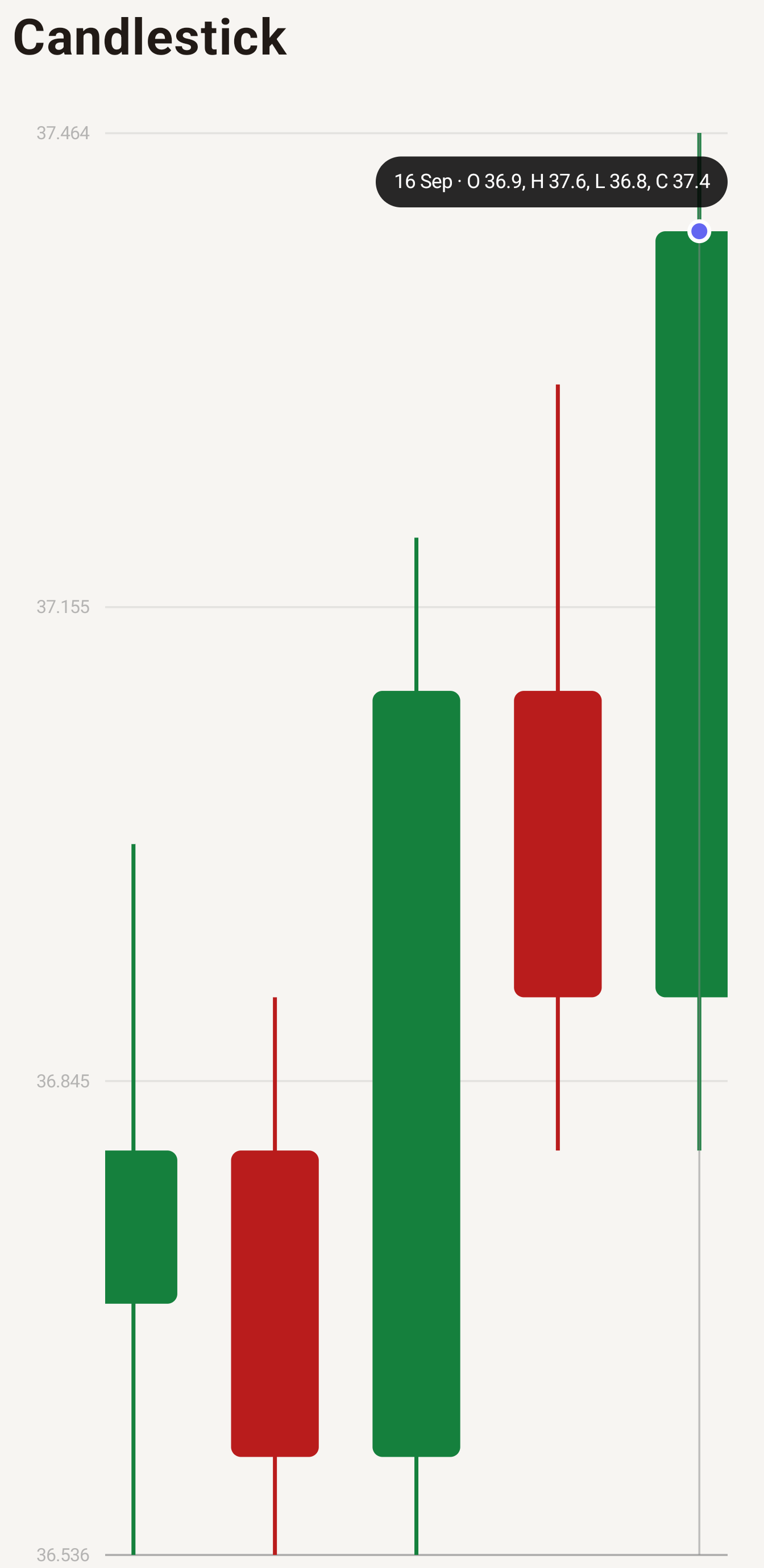
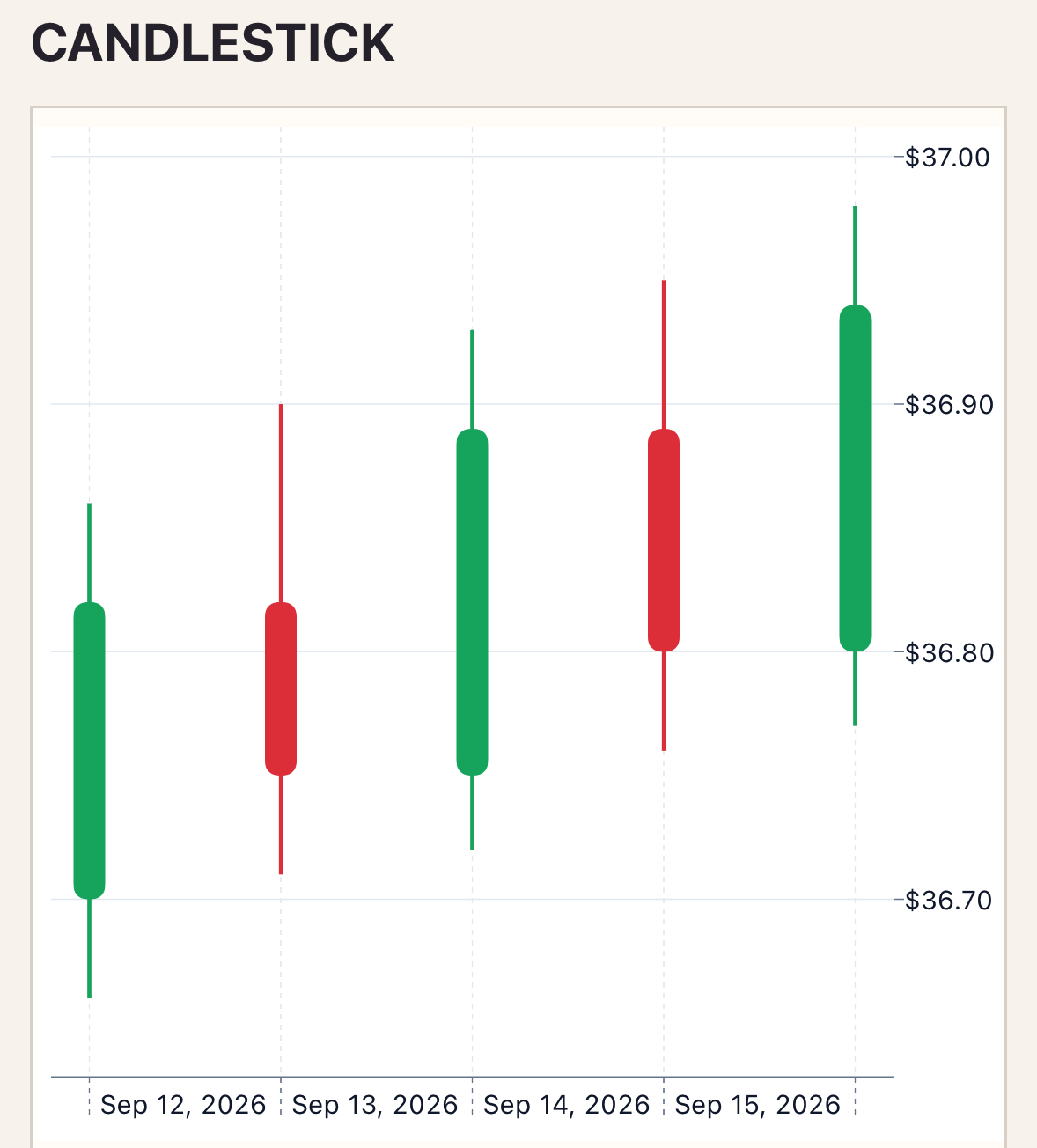
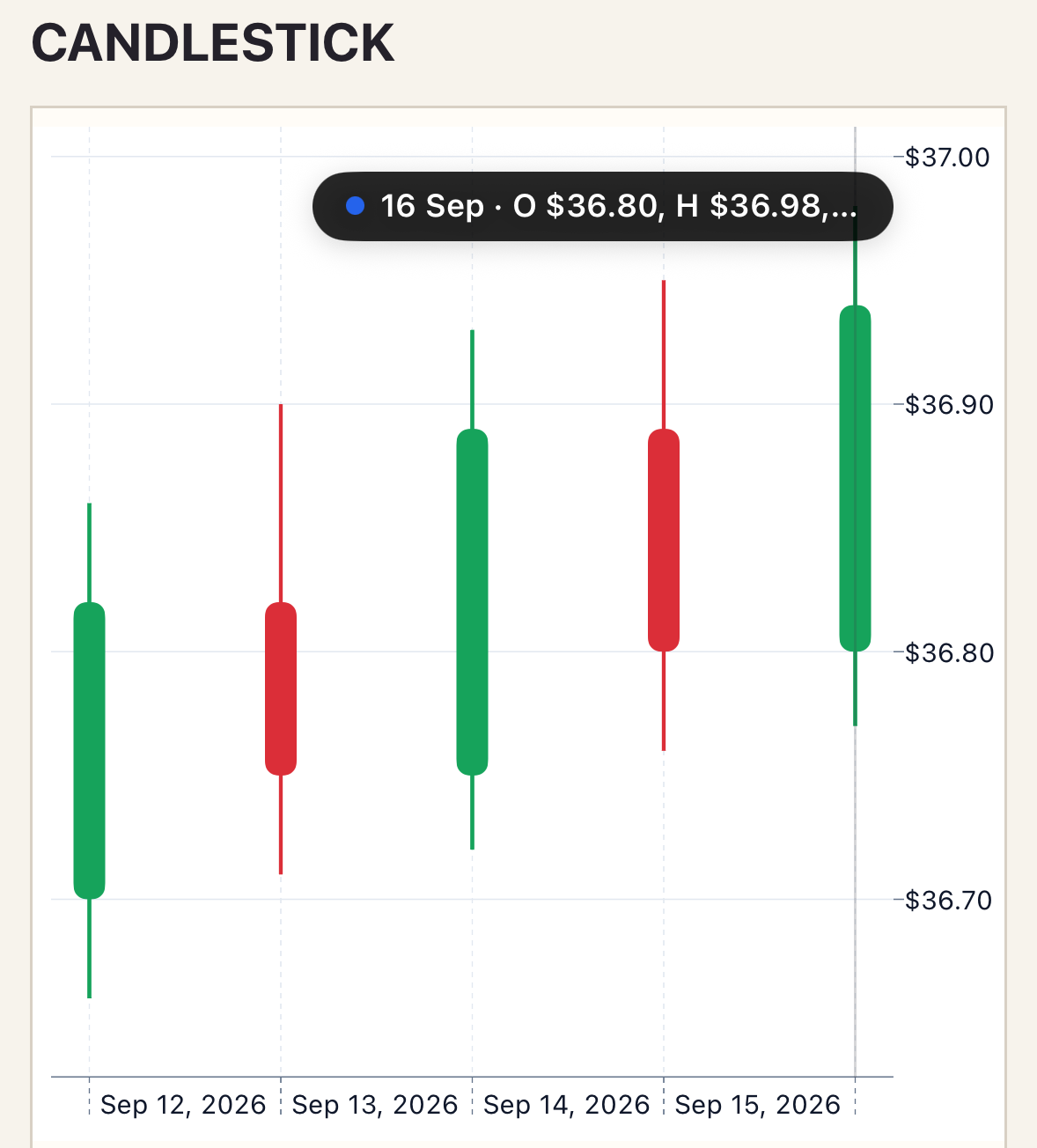
LTTB sampling is intentionally rejected because it can hide OHLC extremes. Selection reports close as the primary value while preserving the OHLC fields in the chart contract.
Variants
Section titled “Variants”Use date or datetime x values. Version 1 supports one ordered series so each candle remains unambiguous.
Customization
Section titled “Customization”Set rising, falling, and neutral colors plus wick width through the candlestick style section.
See the style options reference for supported keys and ranges.
Interaction
Section titled “Interaction”To handle selection, add _select="selectPoint" and define the method shown in Callbacks and interactions.
Tap or scrub returns the point identity and close as the primary selection value; viewport pan and zoom use the Cartesian contract.
Empty and error states
Section titled “Empty and error states”No sessions renders empty-label. Invalid OHLC ranges and multiple series are rejected; native contract failures render error-label.
Accessibility
Section titled “Accessibility”Use labels that identify the trading session and provide nearby detail when users need all four OHLC values.
Each point requires label, open, high, low, close, and a typed x for non-category axes. Add an explicit id to retain selection when points are reordered.
Troubleshooting
Section titled “Troubleshooting”If a point is rejected, verify low < high and low ≤ open/close ≤ high. LTTB is unavailable by design.