
Donut chart
Donut uses the same validated segment contract as pie and adds a configurable inner radius.
When to use
Section titled “When to use”Choose donut for a small part-to-whole view when the center carries a short total or status.
Minimal example
Section titled “Minimal example”Add this element to a native Blade view after installing the package. The example includes its data; replace the values with your own.
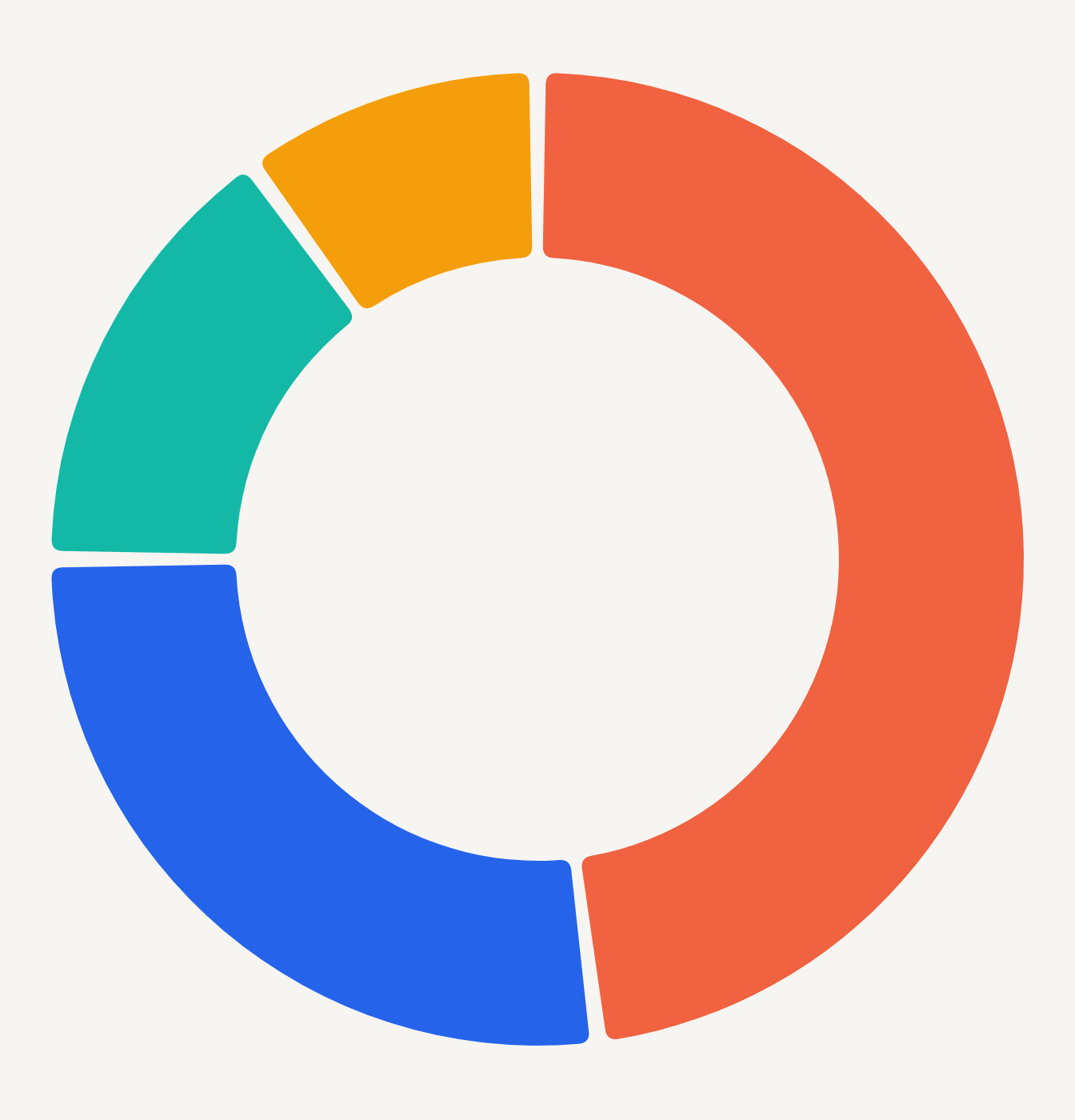
<native:donut-chart class="w-full h-80" :segments="[ ['id' => 'web', 'label' => 'Web', 'value' => 68, 'color' => '#ED3F16'], ['id' => 'store', 'label' => 'Store', 'value' => 32, 'color' => '#2563EB'], ]" :inner-radius-ratio="0.62" a11y-label="Spending by category"/>Native preview
Section titled “Native preview”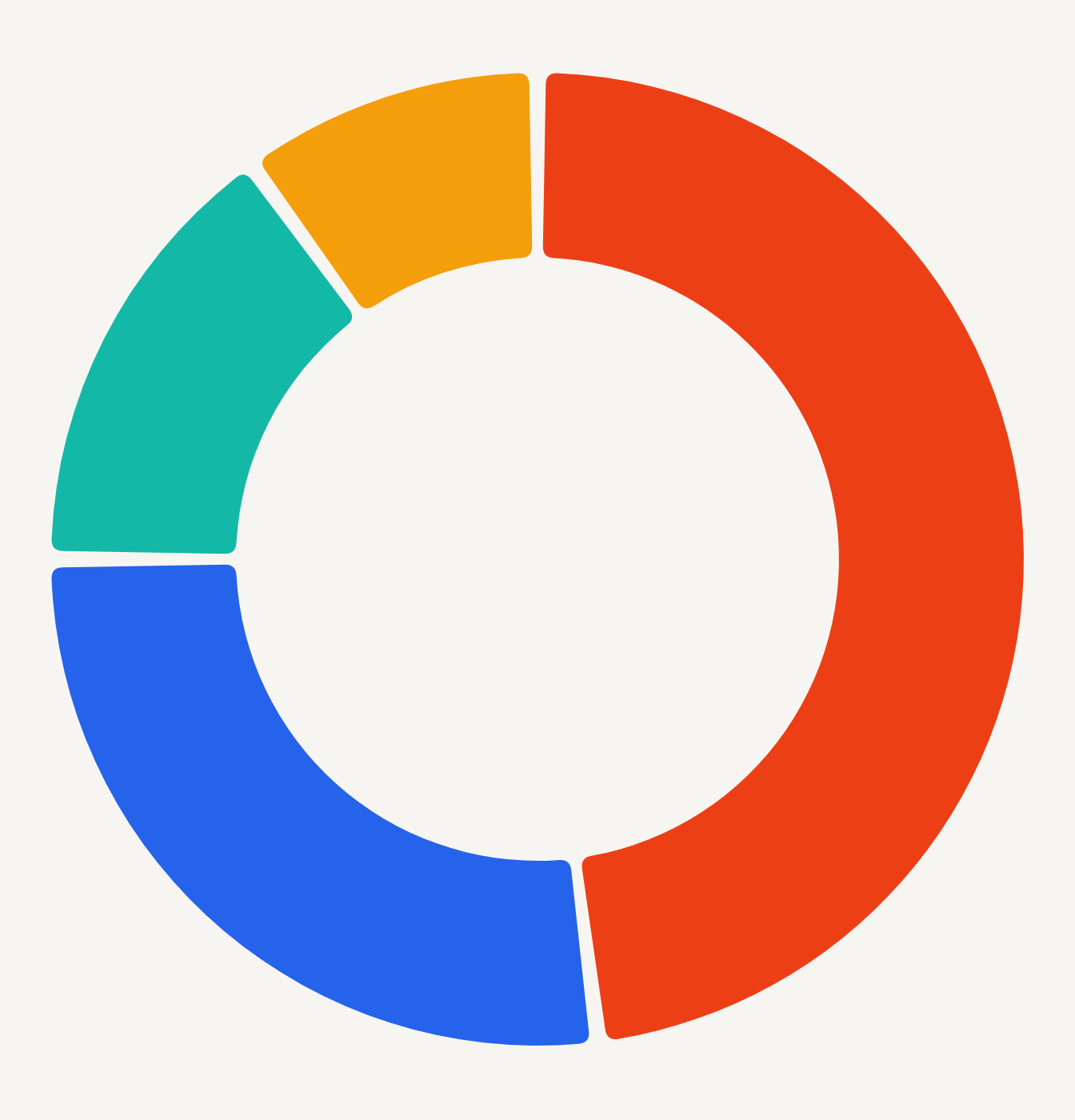
Use stable segment IDs to retain selection after value updates. The center is visual context, not a replacement for an accessible label or legend.
Variants
Section titled “Variants”Use pie for a fuller mark or adjust inner-radius-ratio to change the ring weight without changing data.
Customization
Section titled “Customization”Theme, preset, segment styles, legend, formatting, and per-segment colors share the pie contract.
See the style options reference for supported keys and ranges.
Interaction
Section titled “Interaction”To handle selection, add _select="selectPoint" and define the method shown in Callbacks and interactions.
_select returns the stable segment ID, label, value, localized value, and original index.
Empty and error states
Section titled “Empty and error states”Empty segments render empty-label; invalid totals or IDs fail PHP validation; rejected native snapshots render error-label.
Accessibility
Section titled “Accessibility”Do not rely on center text alone. Supply a11y-label and meaningful segment labels.
Donut requires segments and adds inner-radius-ratio to the common radial API.
Troubleshooting
Section titled “Troubleshooting”If labels become hard to associate, enable the legend or use a bar chart.