
Progress chart
Use progress for a small ordered set of values between 0 and 1. It is not a replacement for an indeterminate loading indicator.
When to use
Section titled “When to use”Choose progress for several bounded goals that share a clear completion scale.
Minimal example
Section titled “Minimal example”Add this element to a native Blade view after installing the package. The example includes its data; replace the values with your own.
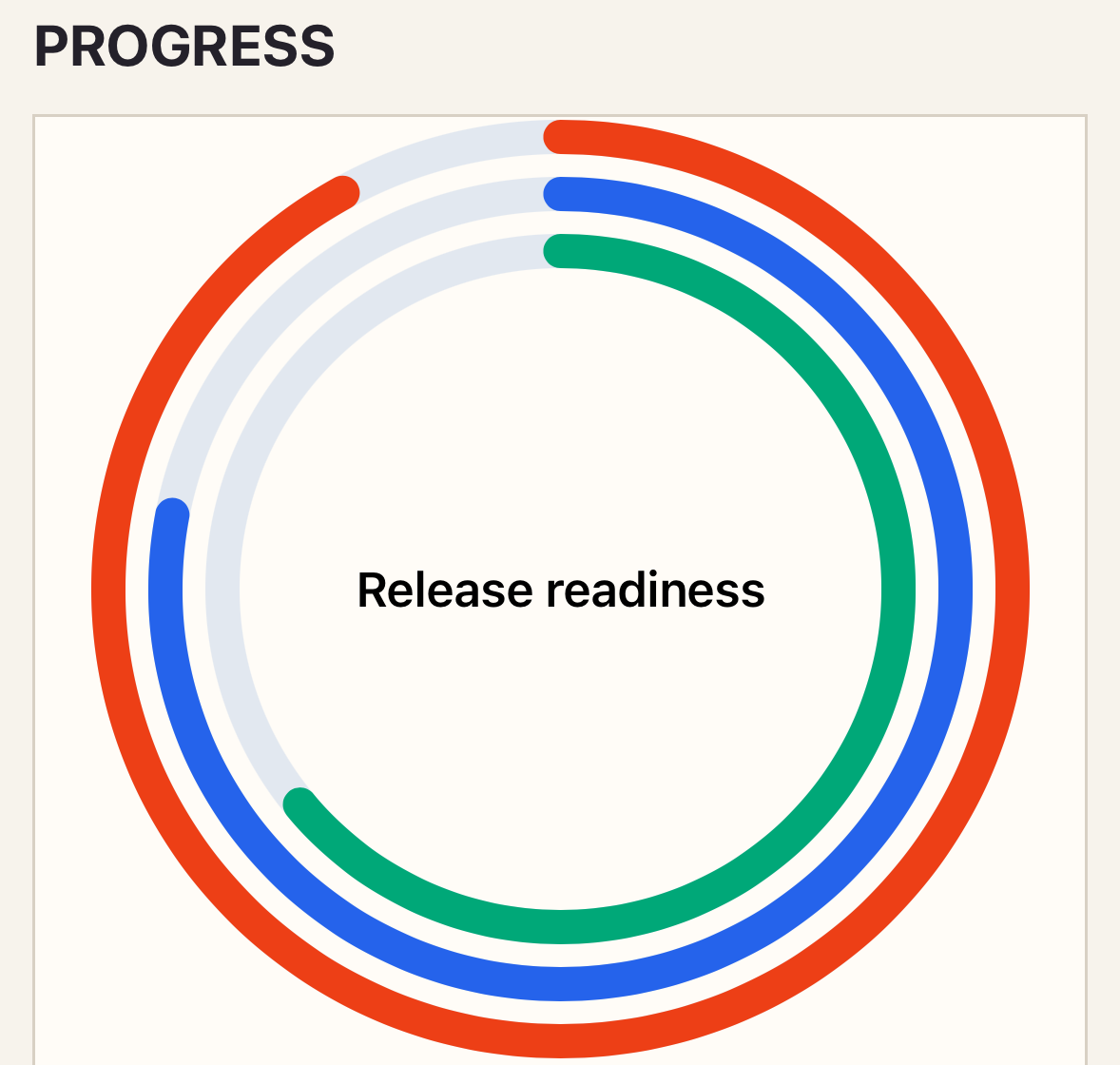
<native:progress-chart class="w-full h-80" :metrics="[ ['id' => 'build', 'label' => 'Build', 'value' => 0.92, 'color' => '#ED3F16'], ['id' => 'tests', 'label' => 'Tests', 'value' => 0.78, 'color' => '#2563EB'], ]" center-label="Release readiness" a11y-label="Release readiness by gate"/>Native preview
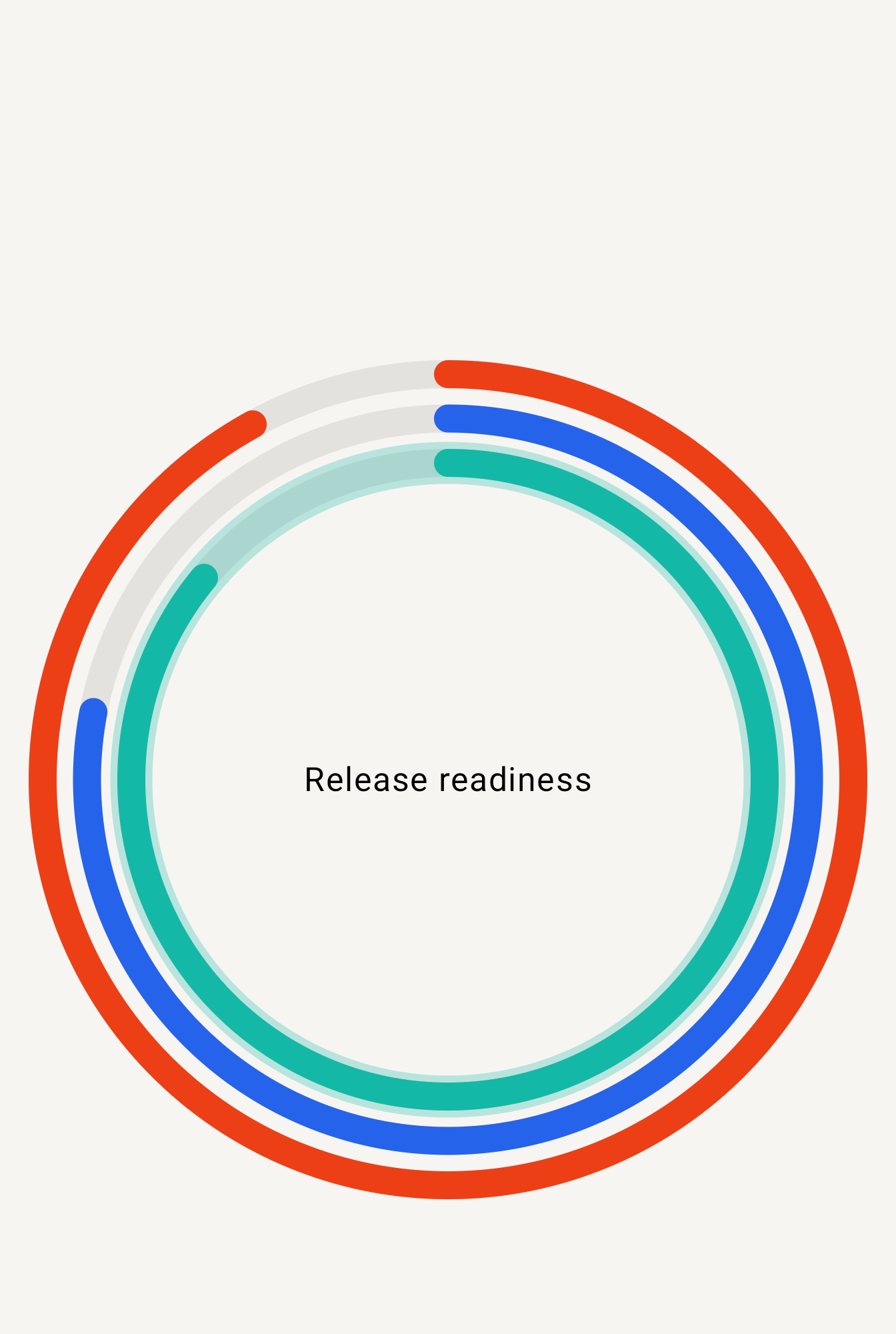
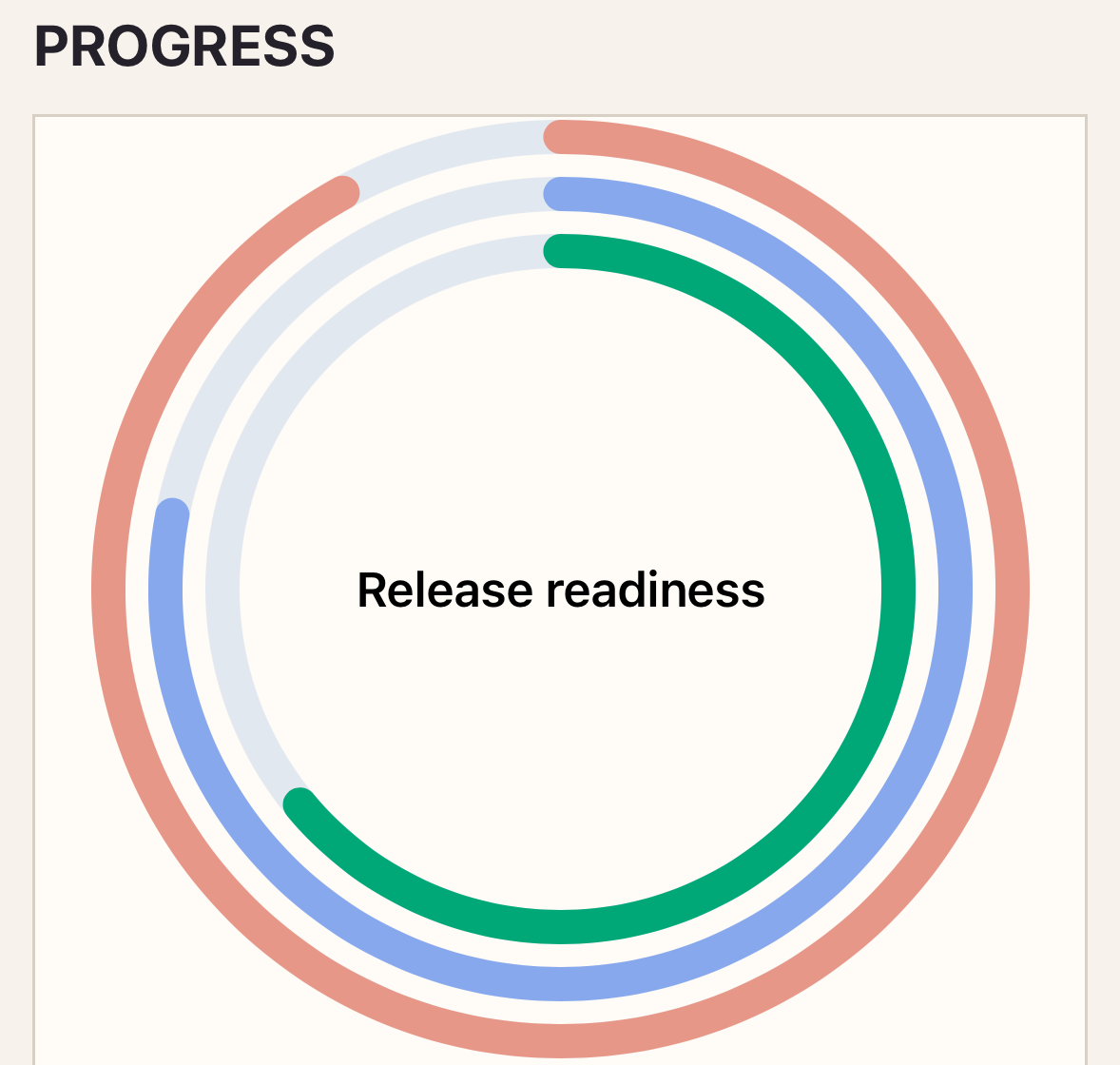
Section titled “Native preview”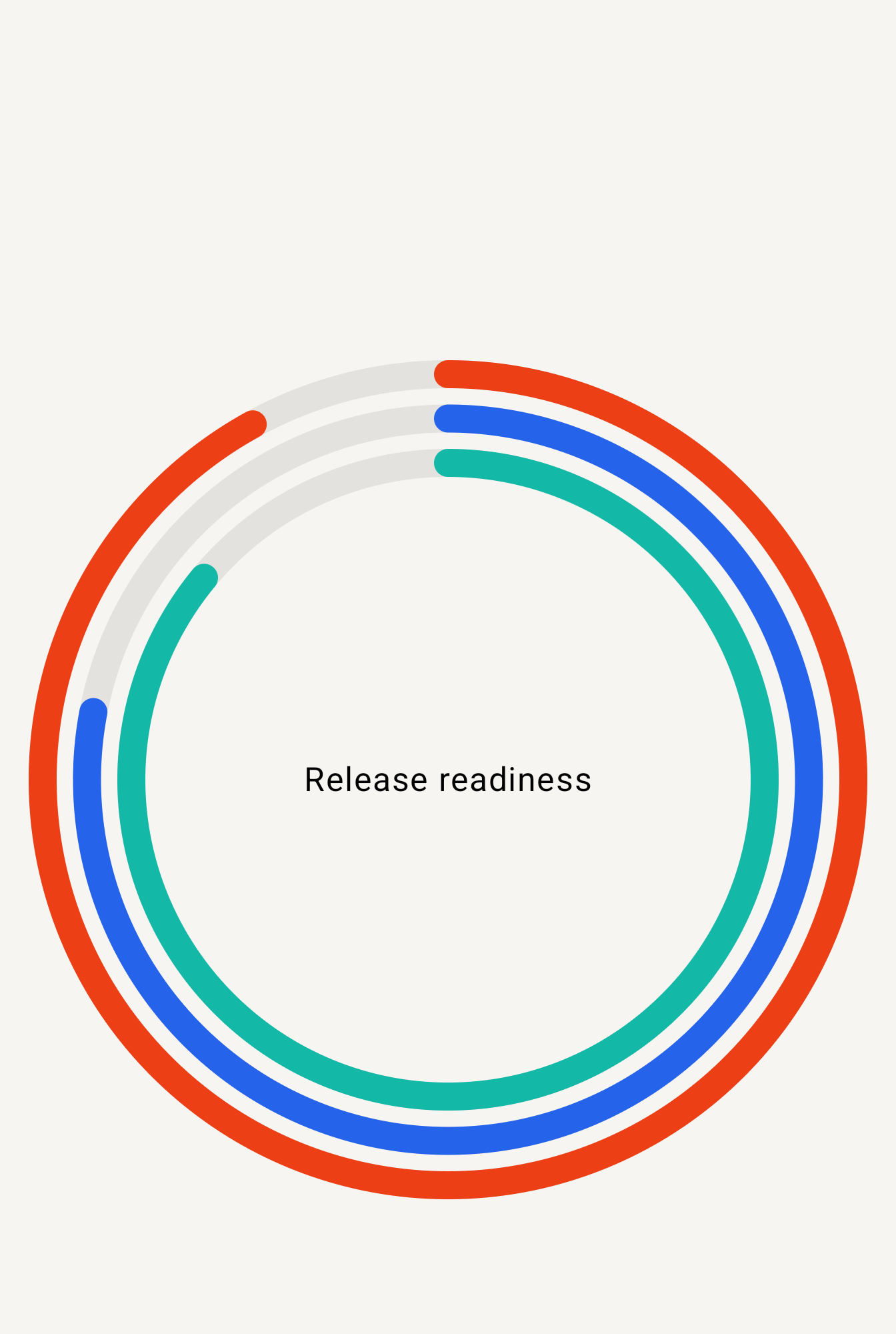
Variants
Section titled “Variants”Use one ring for a single goal or concentric rings for a short ordered set of related metrics.
Customization
Section titled “Customization”Configure semantic track color, ring thickness, spacing, and line termination through style. Theme and preset values apply before metric-level color overrides.
See the style options reference for supported keys and ranges.
PHP recipe: delivery goals
Section titled “PHP recipe: delivery goals”This fluent example formats each ring as a Spanish percentage, shows a legend, and keeps the selected metric in the NativeComponent.
use Donmanueldev\NativephpCharts\Elements\ProgressChart;
public function deliveryProgress(): ProgressChart{    return ProgressChart::make()        ->metrics([            ['id' => 'orders', 'label' => 'Orders delivered', 'value' => 0.92],            ['id' => 'returns', 'label' => 'Returns resolved', 'value' => 0.76],        ])        ->centerLabel('Today')        ->locale('es-NI')        ->valueFormat('percent')        ->minimumFractionDigits(0)        ->maximumFractionDigits(0)        ->legend(['visible' => true])        ->style(['ring' => ['width' => 10, 'gap' => 8, 'cap' => 'round']])        ->onSelect('selectPoint')        ->a11yLabel('Daily delivery goals');}
value is normalized: use 0.92 for 92%, never 92.
Interaction
Section titled “Interaction”To handle selection, add _select="selectPoint" and define the method shown in Callbacks and interactions.
_select emits the stable metric ID, label, value, localized value, and original index.
Empty and error states
Section titled “Empty and error states”No metrics renders empty-label. Values outside 0...1, duplicate IDs, and malformed colors are rejected; native failures render error-label.
Accessibility
Section titled “Accessibility”Metric labels must make sense without the ring. Keep center-label concise and include the chart purpose in a11y-label.
Required metrics contain id, label, value, and optional color. Specialized props are center-label and the ring style section.
Troubleshooting
Section titled “Troubleshooting”If a percentage is rejected, pass its normalized value (0.92), not the displayed percentage (92).