
Pie chart
Use pie only for a small number of non-negative segments with one clear total.
When to use
Section titled “When to use”Choose pie for a compact part-to-whole snapshot with few segments. Choose bar when exact comparison matters.
Minimal example
Section titled “Minimal example”Add this element to a native Blade view after installing the package. The example includes its data; replace the values with your own.
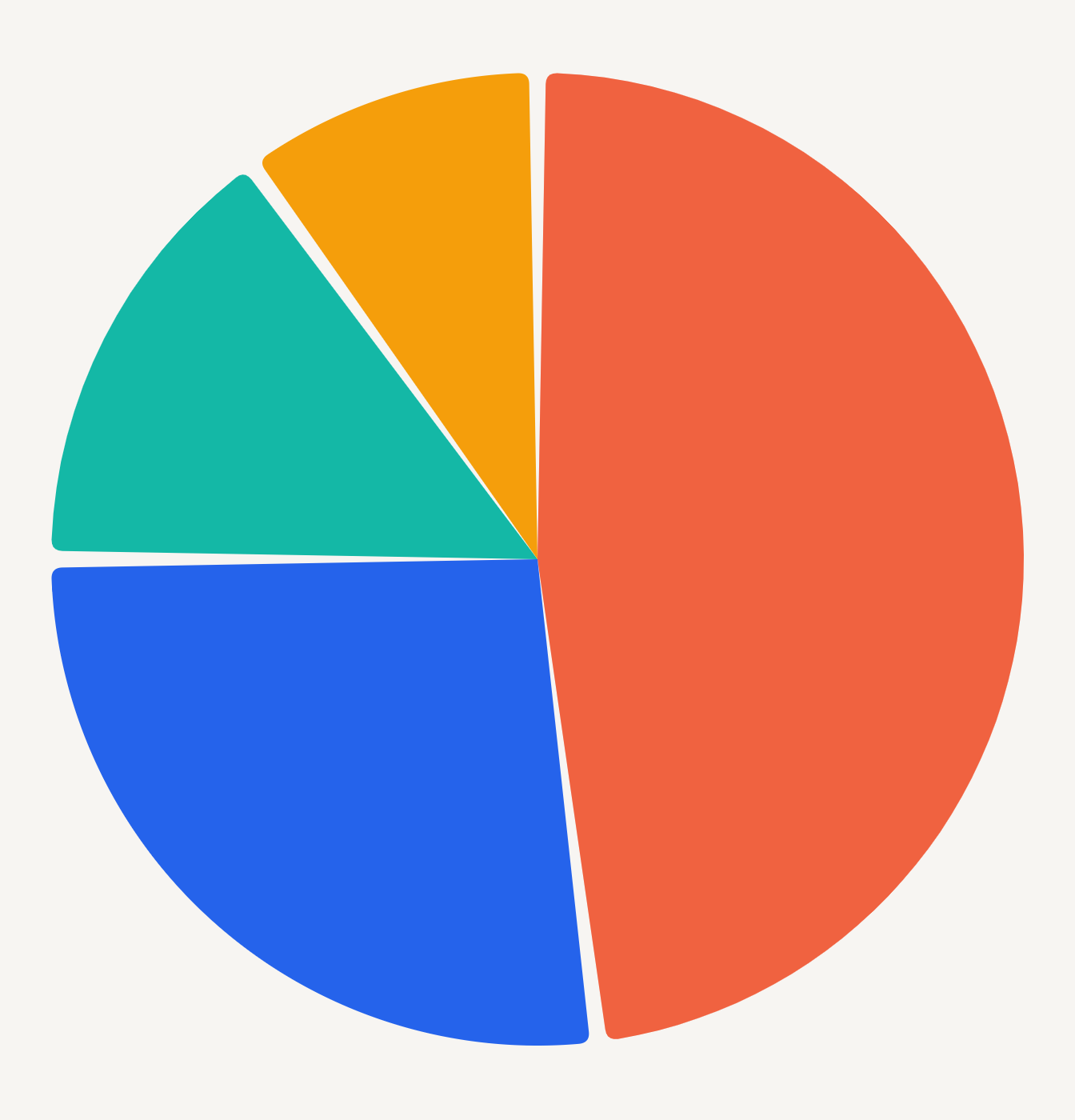
<native:pie-chart class="w-full h-80" :segments="[ ['id' => 'web', 'label' => 'Web', 'value' => 68, 'color' => '#ED3F16'], ['id' => 'store', 'label' => 'Store', 'value' => 32, 'color' => '#2563EB'], ]" :style="['segment' => ['gap' => 2, 'cornerRadius' => 4]]" a11y-label="Revenue share by channel"/>Each segment requires a stable id, non-empty label, non-negative value, and an optional CSS hex color. At least one value must be greater than zero.
Native preview
Section titled “Native preview”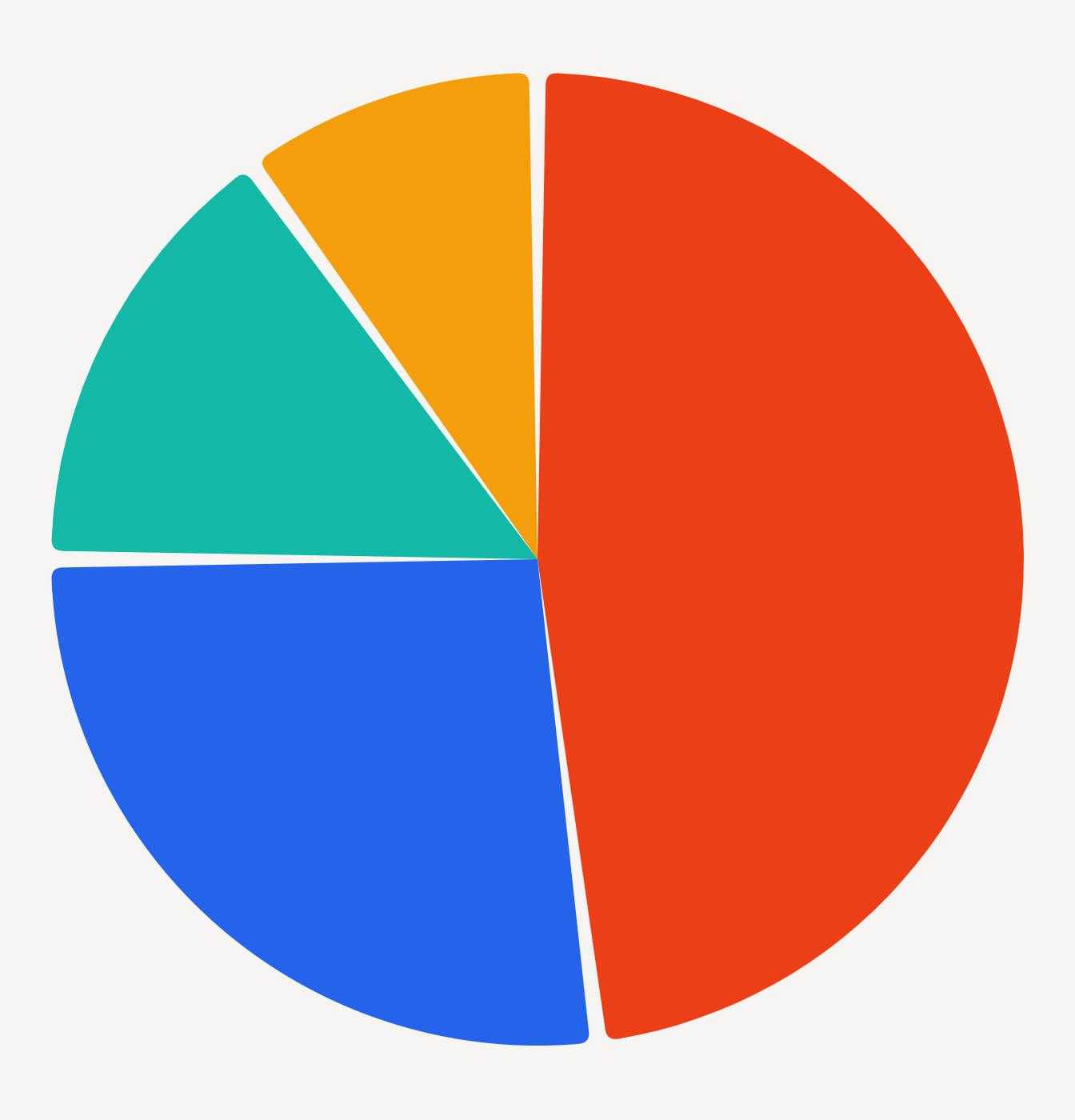
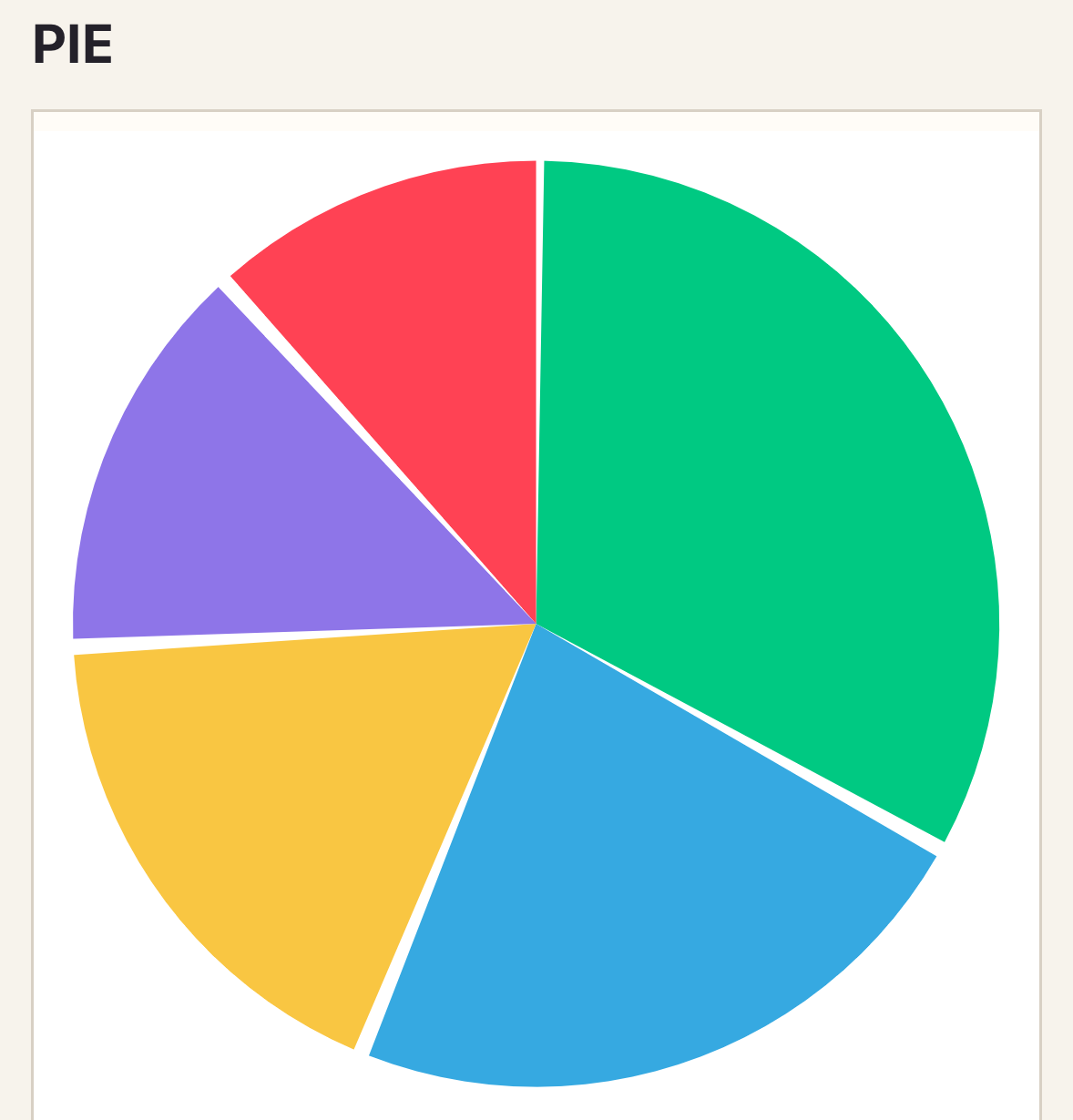
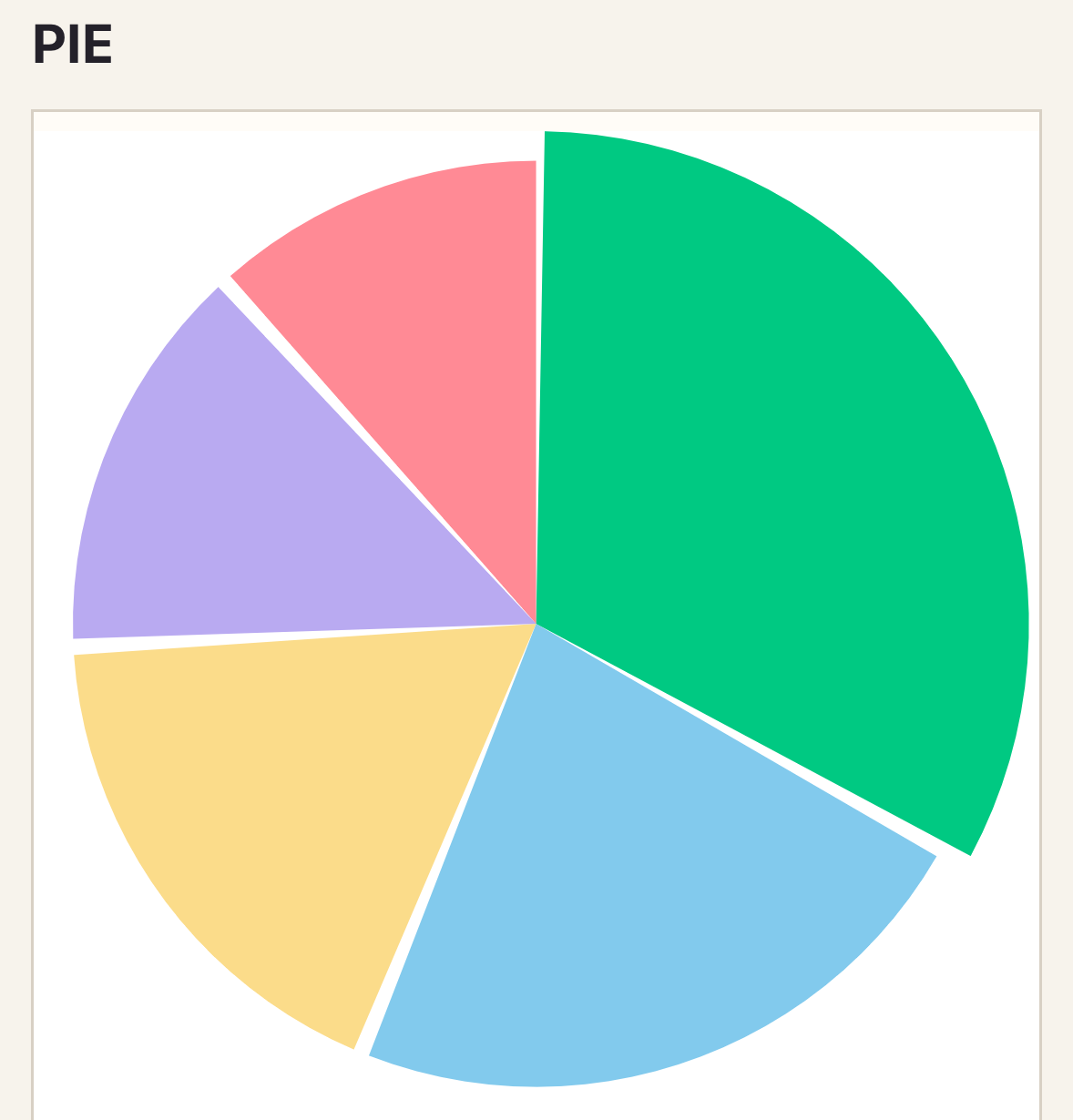
Selection emits the segment ID, label, value, and index. Prefer bar charts when exact comparison matters or when the legend becomes long.
Variants
Section titled “Variants”Use donut when a central summary adds context; the data contract stays the same.
Customization
Section titled “Customization”Configure segment gap, corner radius, opacity, theme, preset, legend, and per-segment colors.
See the style options reference for supported keys and ranges.
Interaction
Section titled “Interaction”To handle selection, add _select="selectPoint" and define the method shown in Callbacks and interactions.
_select emits one PointSelection; the segment ID is both the series and point ID.
Empty and error states
Section titled “Empty and error states”No segments renders empty-label. All-zero, negative, duplicate, or malformed segments are rejected; native failures render error-label.
Accessibility
Section titled “Accessibility”Keep labels unique and meaningful, expose the total in nearby text, and never communicate a segment by color alone.
Required segments contain id, label, value, and optional color. Pie accepts the common radial segment style.
Troubleshooting
Section titled “Troubleshooting”If the legend dominates the chart, reduce segment count or switch to bar.