
Bar chart
Use bars when precise comparison matters more than trend continuity.
When to use
Section titled “When to use”Choose bar for discrete categories, rankings, grouped comparisons, or compositions with a shared baseline.
Minimal example
Section titled “Minimal example”Add this element to a native Blade view after installing the package. The example includes its data; replace the values with your own.
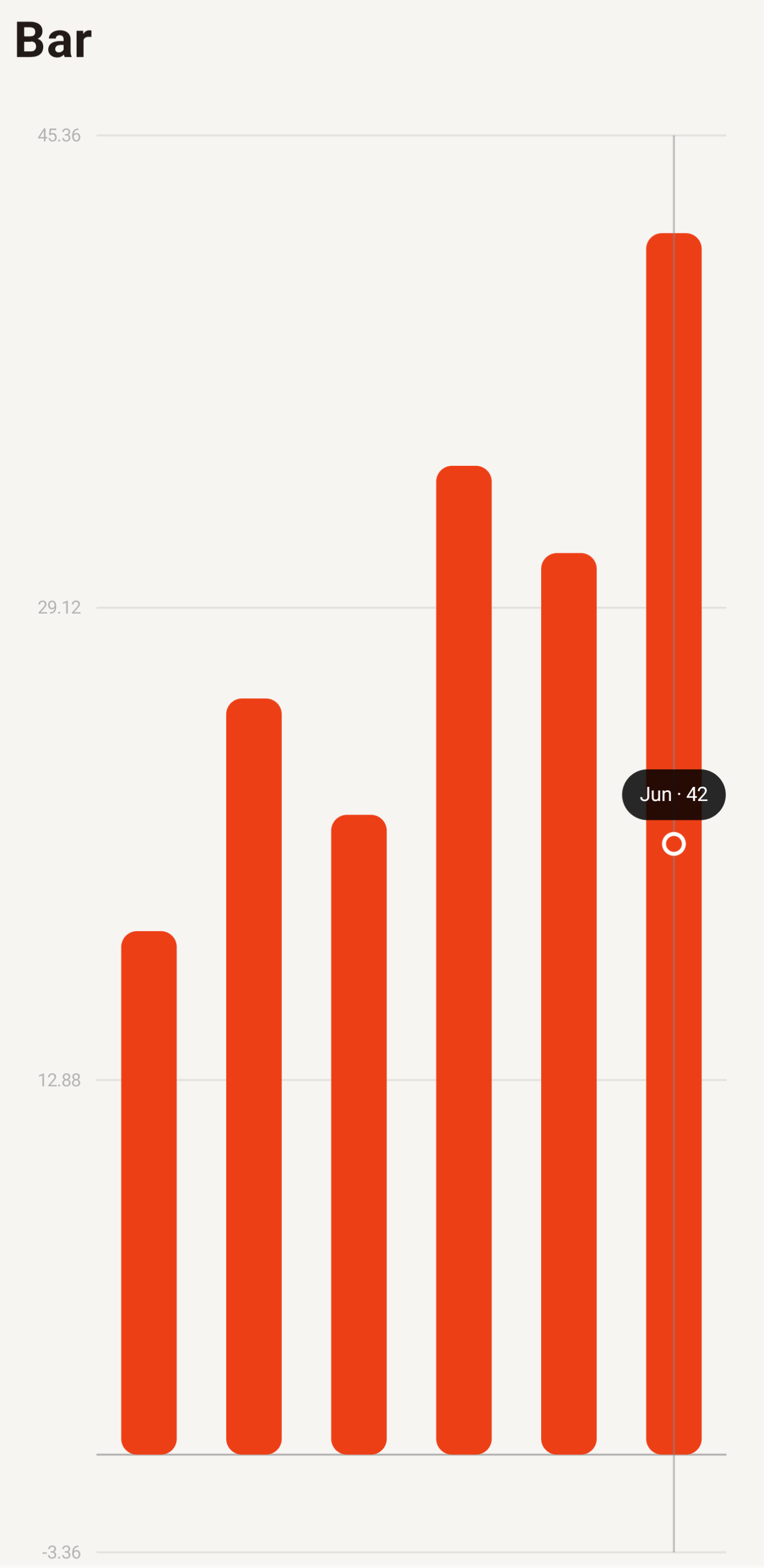
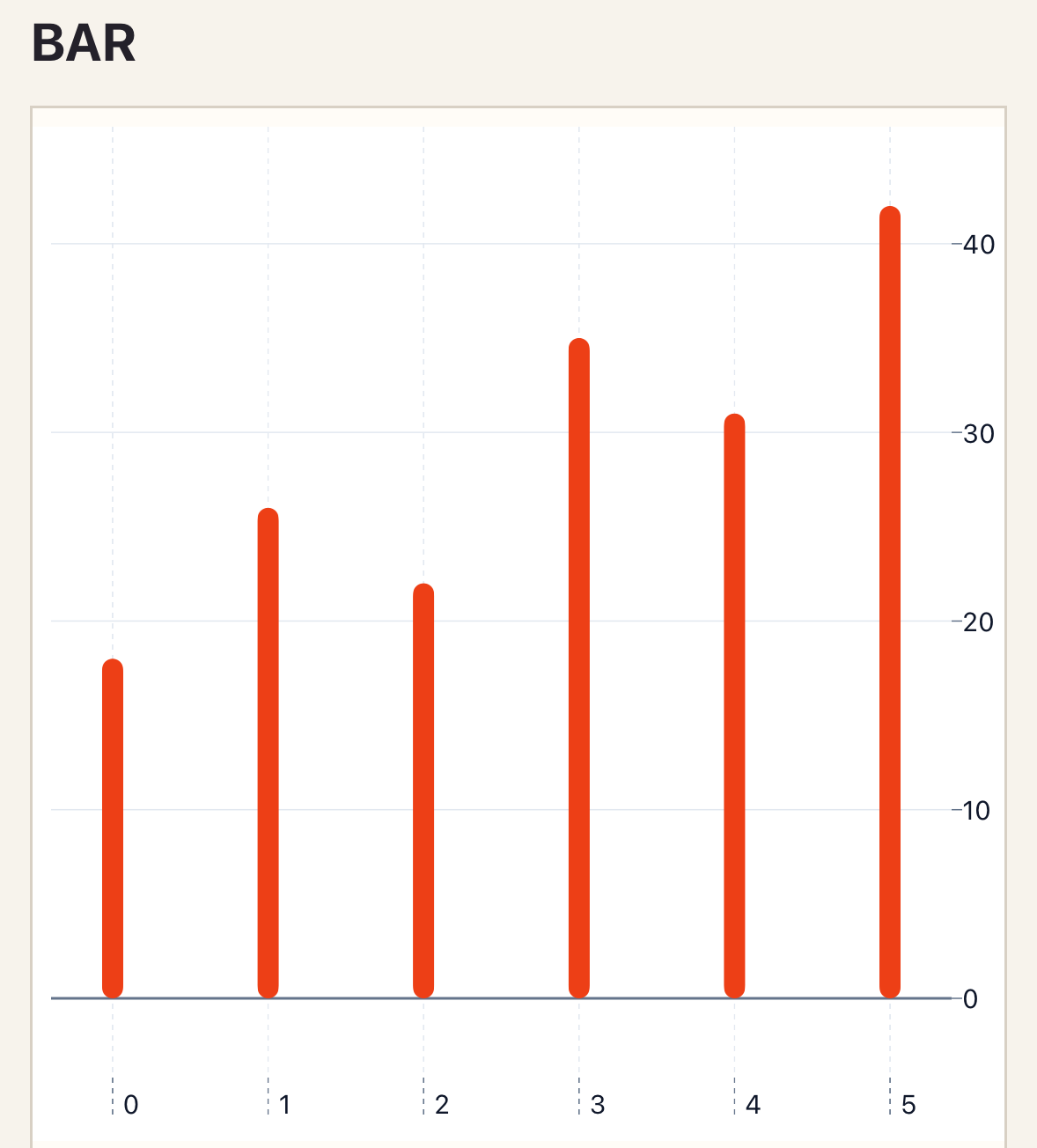
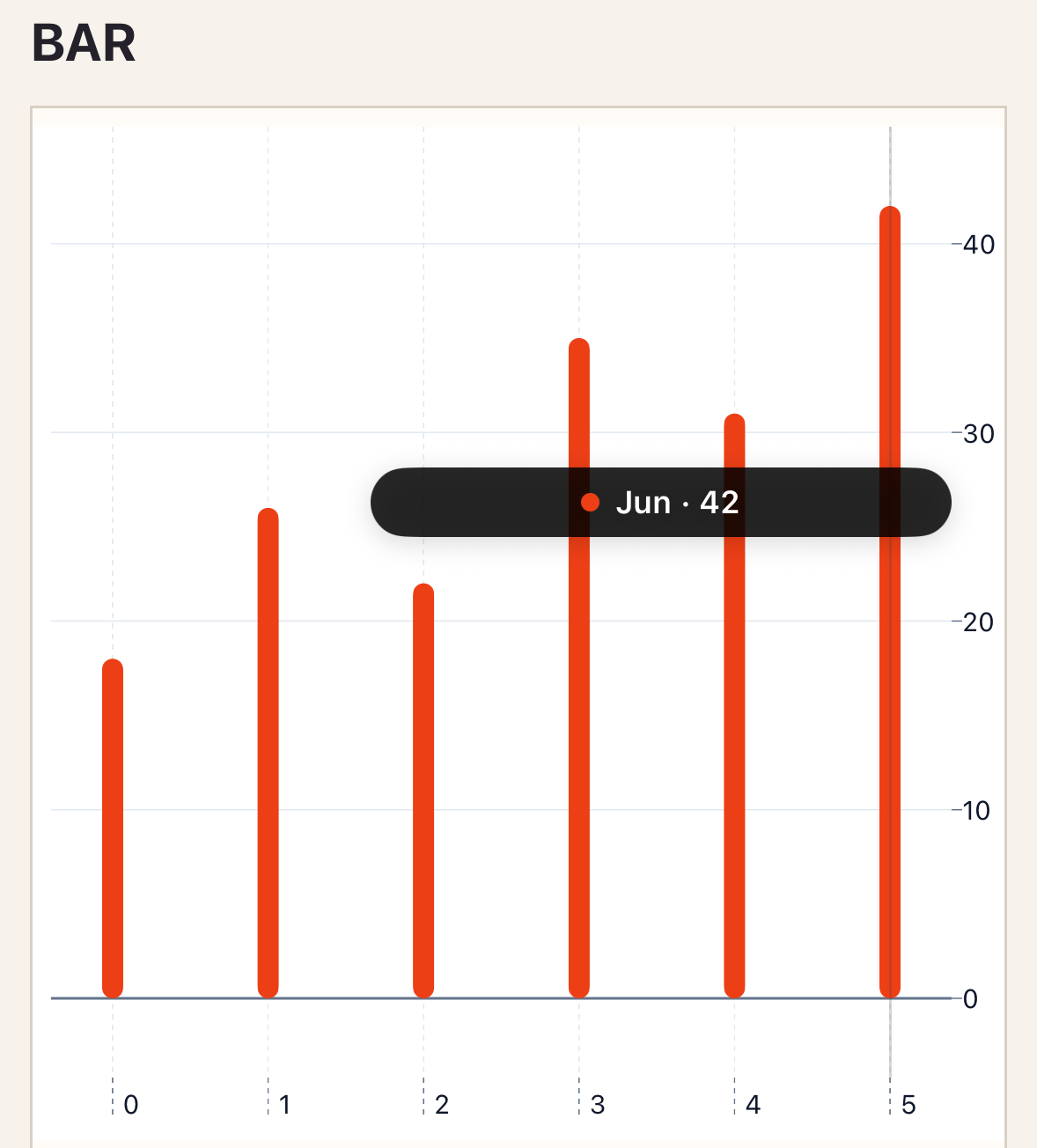
<native:bar-chart class="w-full h-80" :series="[ [ 'id' => 'revenue', 'name' => 'Revenue', 'color' => '#ED3F16', 'points' => [ ['id' => 'jan', 'label' => 'January', 'value' => 18], ['id' => 'feb', 'label' => 'February', 'value' => 26], ['id' => 'mar', 'label' => 'March', 'value' => 31], ], ], ]" mode="grouped" orientation="vertical" :style="['bar' => ['radius' => 6, 'width' => 18]]" a11y-label="Revenue by month"/>Native preview
Section titled “Native preview”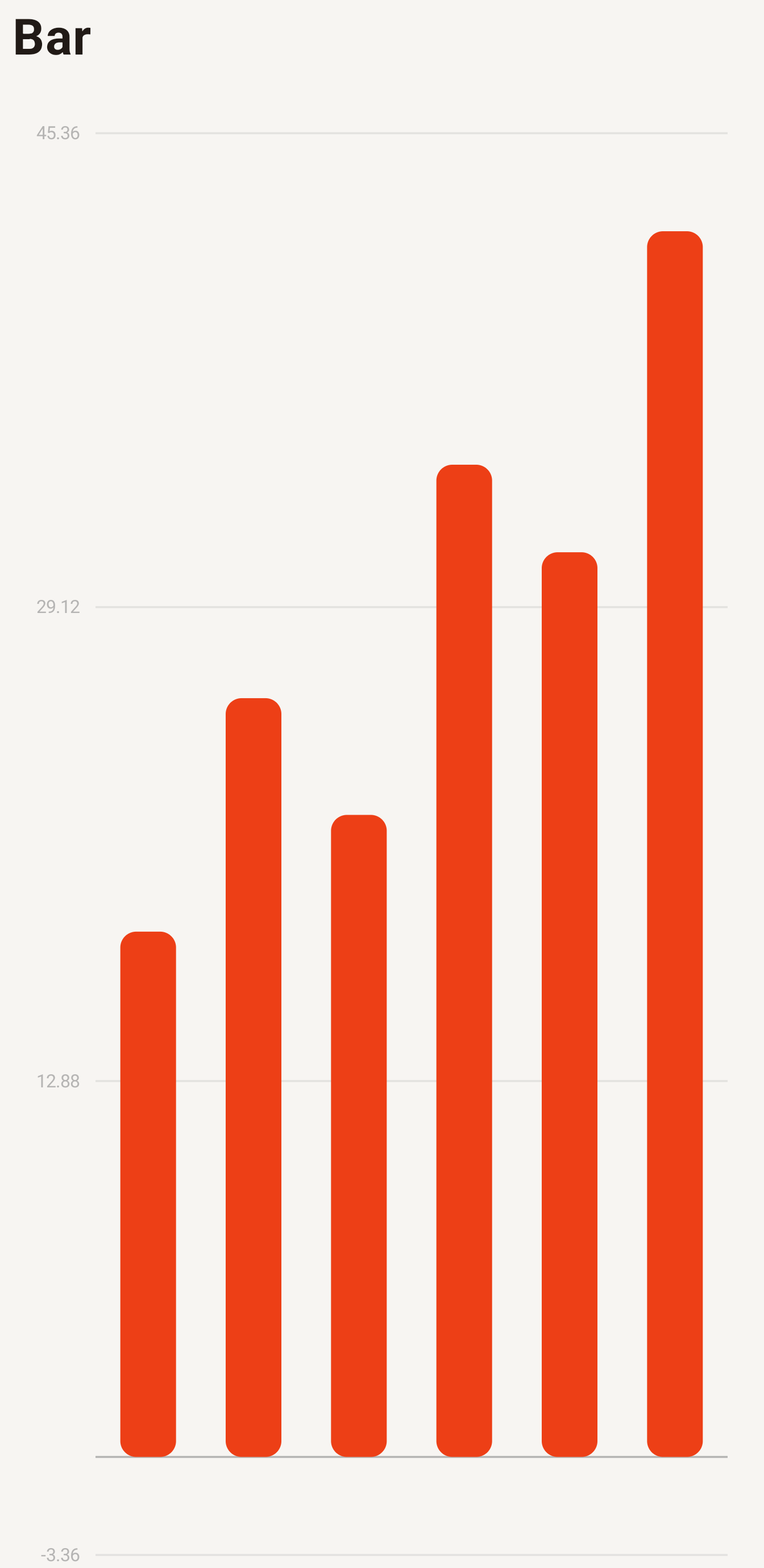
Variants
Section titled “Variants”mode="grouped"compares peers;mode="stacked"compares totals and composition.orientation="horizontal"helps long category labels.
Customization
Section titled “Customization”Set bar radius and width through style.bar. Series colors and styles override the chart defaults; individual points do not accept style overrides.
See the style options reference for supported keys and ranges.
Interaction
Section titled “Interaction”To handle selection, add _select="selectPoint" and define the method shown in Callbacks and interactions.
Selection emits one completed callback with stable series and point IDs. Horizontal charts keep the same selection contract.
Empty and error states
Section titled “Empty and error states”Empty data renders empty-label; malformed or duplicate IDs are rejected. Native contract failures render error-label.
Accessibility
Section titled “Accessibility”Use complete category labels and an a11y-label that names the measure and grouping.
Bar adds mode="grouped|stacked", orientation="vertical|horizontal", and the bar style section to the Cartesian API.
Troubleshooting
Section titled “Troubleshooting”If labels collide, prefer horizontal orientation or fewer categories. Avoid stacked bars when users need exact internal comparisons.